KitGuru KitGuru.net – Tech News | Hardware News | Hardware Reviews | IOS | Mobile | Gaming | Graphics Cards



Here at KitGuru we've reviewed plenty of Razer headsets over the years, with some costing as much as £200. We were very interested to hear, then, that Razer has bolstered its headset portfolio with a new model – the Kraken X. The killer feature? Pricing. At just £49.99 this is the cheapest Razer headset we've seen by a fair distance, yet on the face of it you'd be unlikely to know this was a more budget model. After a week of use, here's what you need to know.
Priced at just £49.99, the Razer Kraken X is coming up against other entry-level competitors like the Corsair HS50 and HyperX Cloud Stinger. Razer does have a trick up its sleeve, though, in the form of 7.1 virtual surround-sound. Granted, this is not a feature of the headset itself – it connects via an analog 3.5mm jack – but rather it is something Razer has introduced more recently for its 2019 range of headsets.
Essentially, if you buy the Kraken X, you get a license code for ‘7.1 Surround Sound‘ – a proprietary software which enables virtual 7.1 for the Kraken X. It's only for Windows – so console gamers will miss out on this feature – but it definitely adds value.
So without more preamble, let's dive right into the review.
Specifications:
At a Glance:
- 7.1 Surround Sound
- Ultra-light at 250g
- Bendable Cardioid Microphone
- Custom-Tuned 40 mm Drivers
- On-headset Controls
- Cross-Platform Compatibility
Headphones
- Frequency response: 12 Hz – 28 kHz
- Impedance: 32 Ω @ 1 kHz
- Sensitivity (@1 kHz): 109 dB
- Drivers: 40 mm, with Neodymium magnets
- Inner ear cup diameter: 65 x 44 mm
- Connection type: Analog 3.5 mm
- Cable length: 1.3 m / 4.27 ft.
- Approx. weight: 250g / 0.55lbs
- Oval ear cushions: Designed for full-ear coverage with leatherette, for sound isolation and comfort
Microphone
- Frequency response: 100 Hz – 10 kHz
- Signal-to-noise ratio: > 60 dB
- Sensitivity (@1 kHz): -45 ± 3 dB
- Pick-up pattern: Unidirectional ECM boom
On earcup control
- Volume up and down
- Microphone quick mute toggle
Audio Usage
- Audio Usage: Devices with 3.5 mm audio jack
- Audio + microphone usage: Devices with 3.5 mm audio + mic combined Jack
- Audio / mic splitter adapter cable usage: Devices with separate 3.5 mm audio and microphone jacks
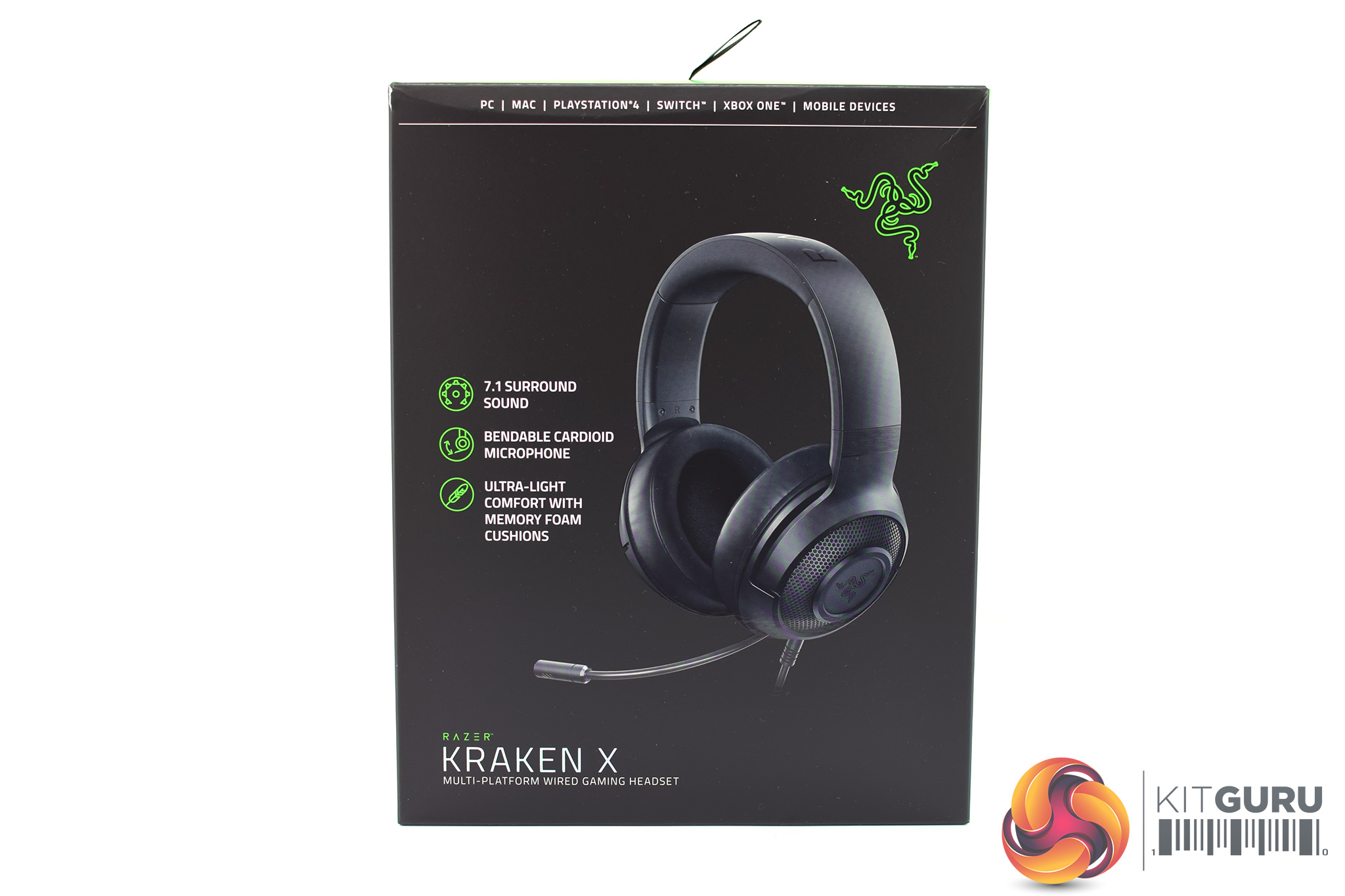
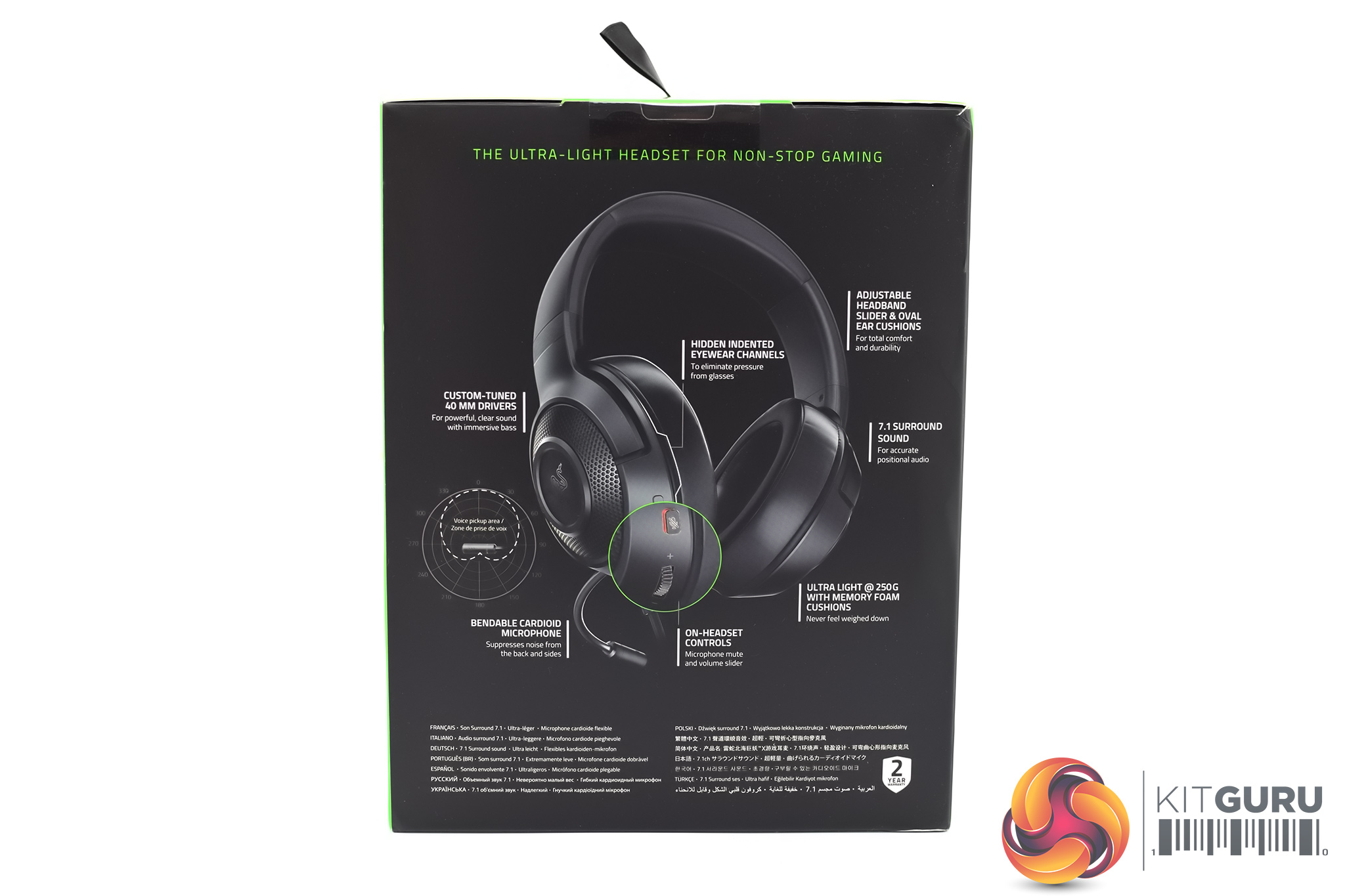
The Razer Kraken X ships in a black box, with Razer’s signature green accenting. A large image of the headset itself is visible on the front, while on the back Razer has highlighted several key features of the product.
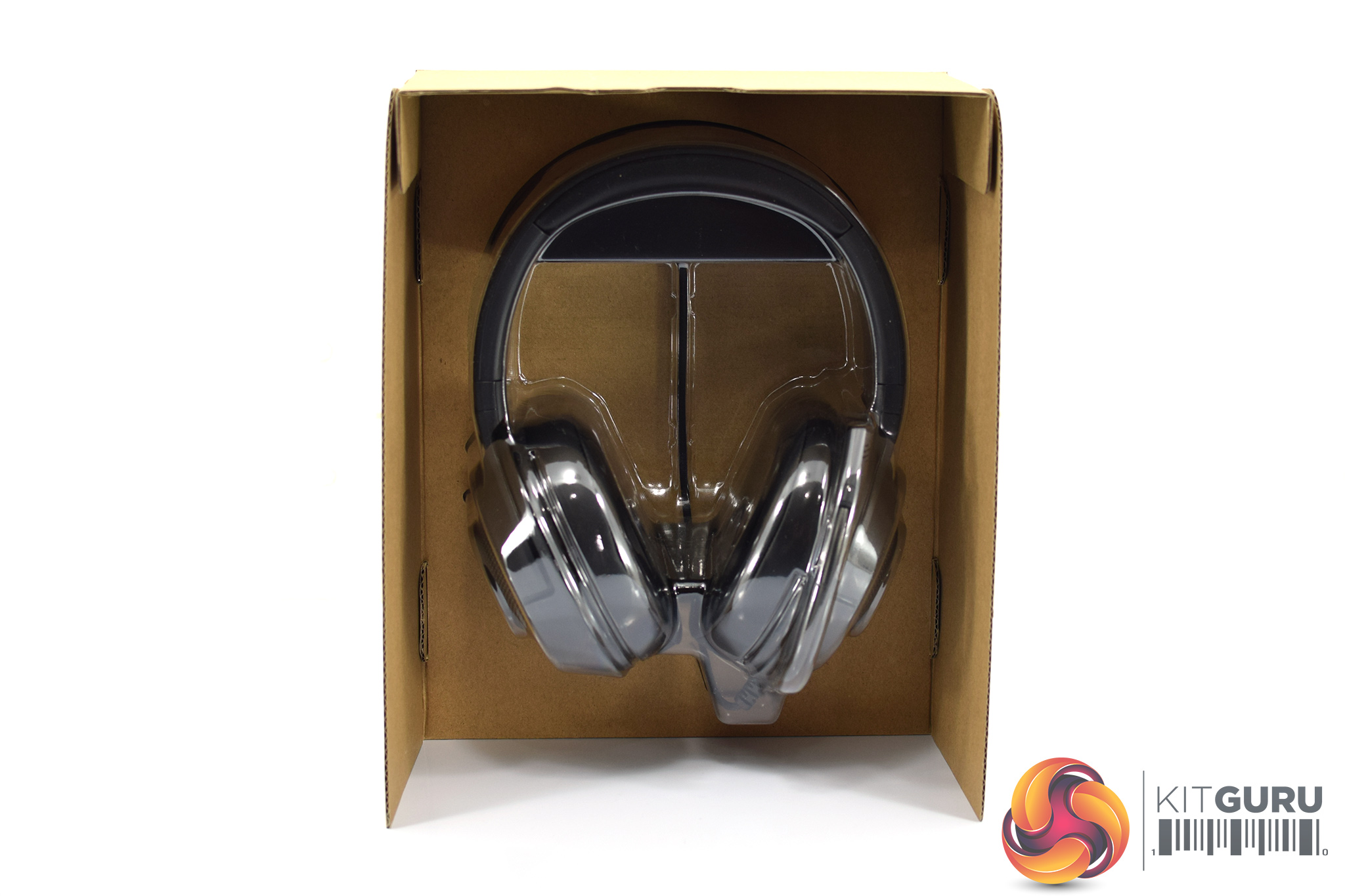
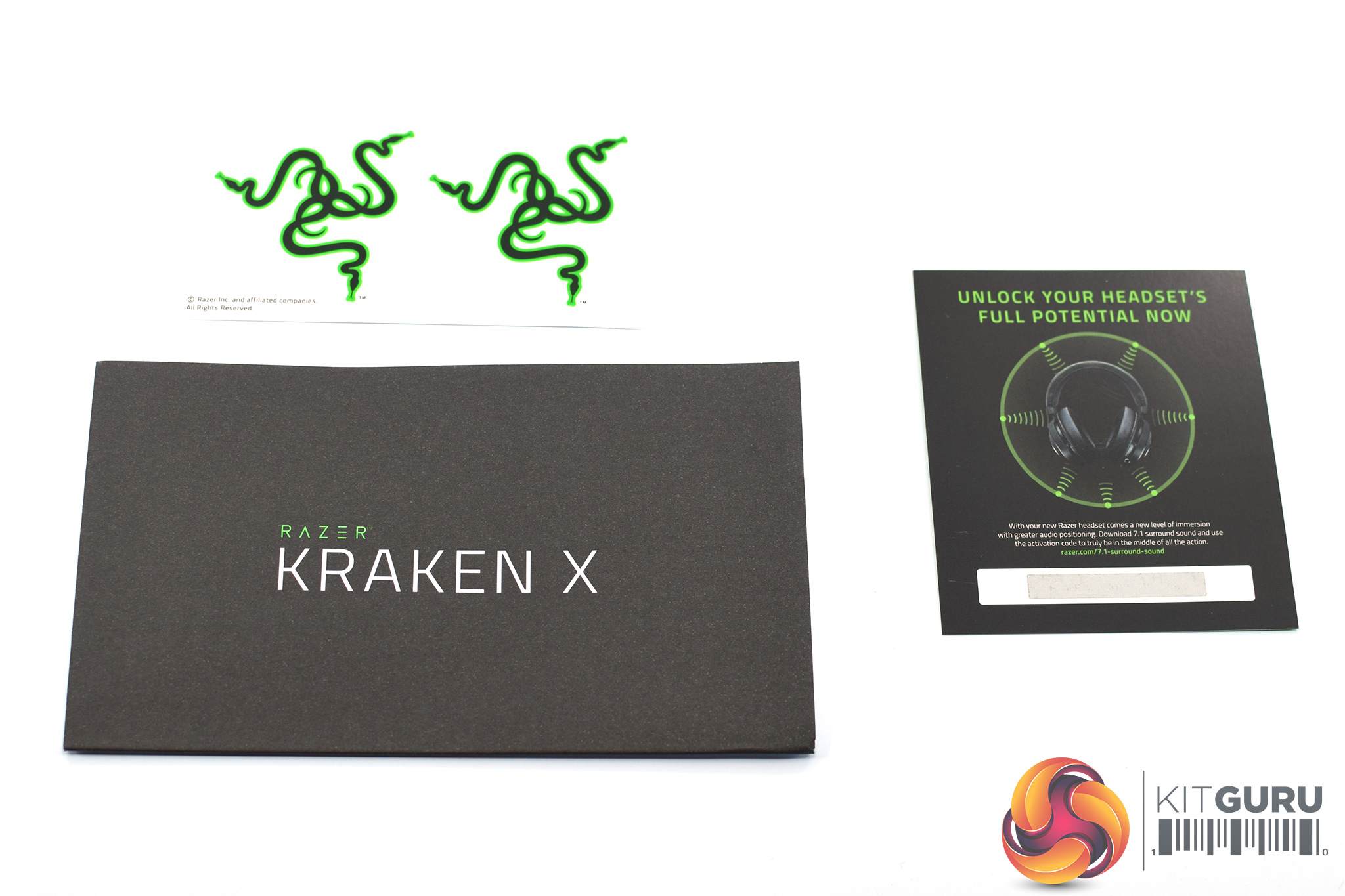
Opening up the box, we can see that the headset sits within a cardboard frame, with a plastic mould to keep it in place.
We also find a pair of Razer stickers alongside a quick-start guide. The last little leaflet is in fact the license code for the 7.1 virtual surround sound I mentioned on the first page. Owners of both the Kraken X and the new Kraken (2019) get access to this software, and if a license code didn’t come in the box, you can get one by registering your headset on Razer’s website.
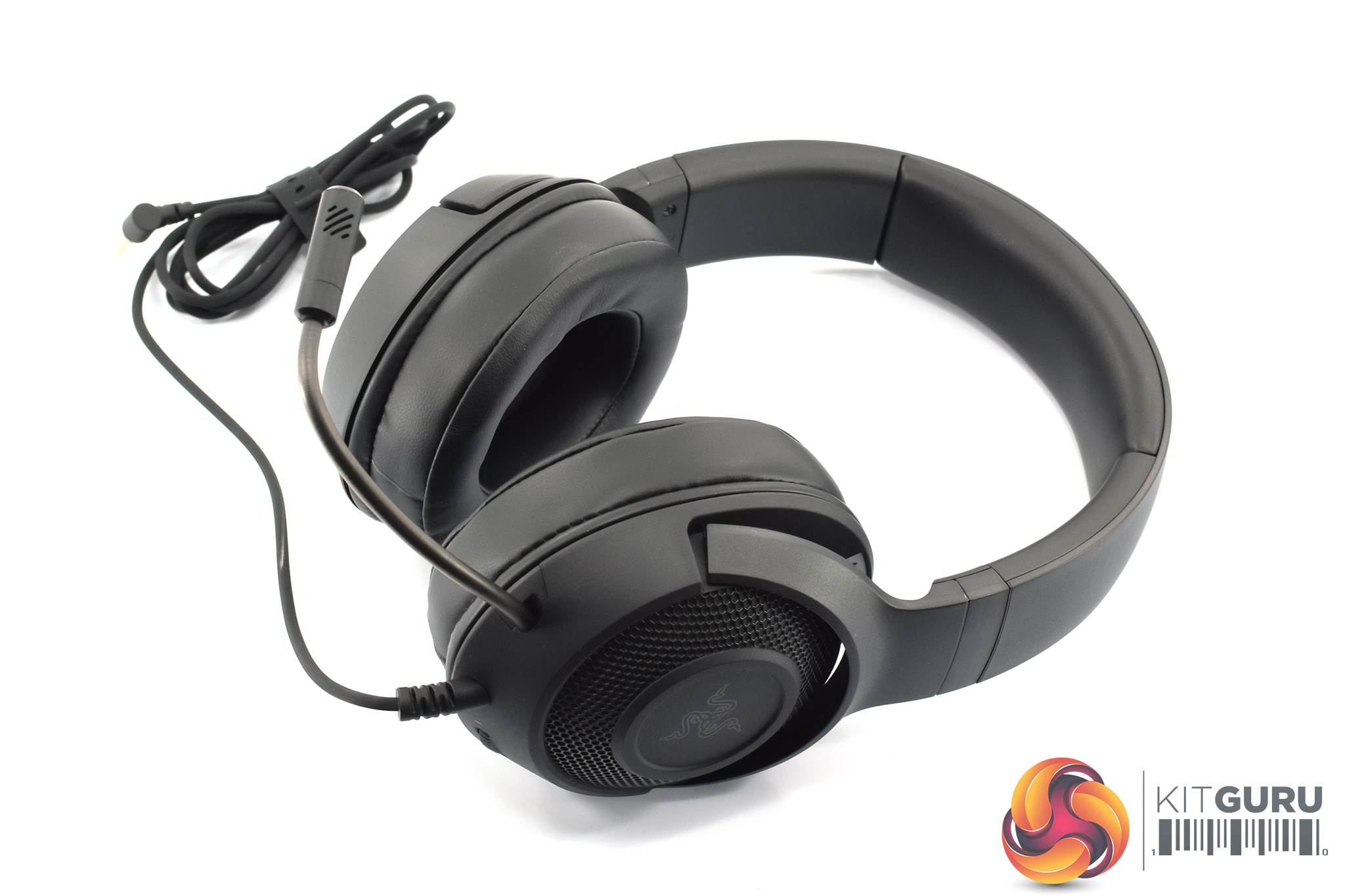
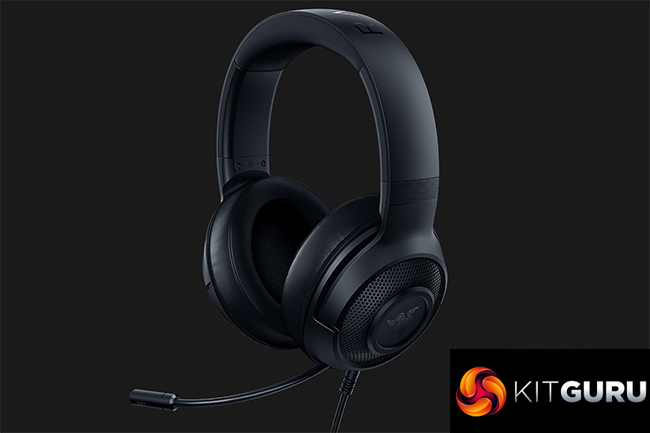
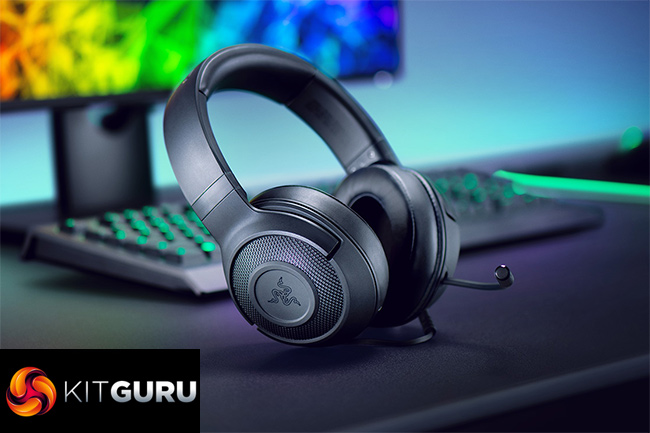
Taking a look at the headset itself, it is immediately recognisable as a ‘Razer Kraken’, with very similar design language to other, more expensive headsets we have reviewed in the past. It’s all matte-black – with no colour anywhere on the headset – while the frame and ear cups are all made from plastic.
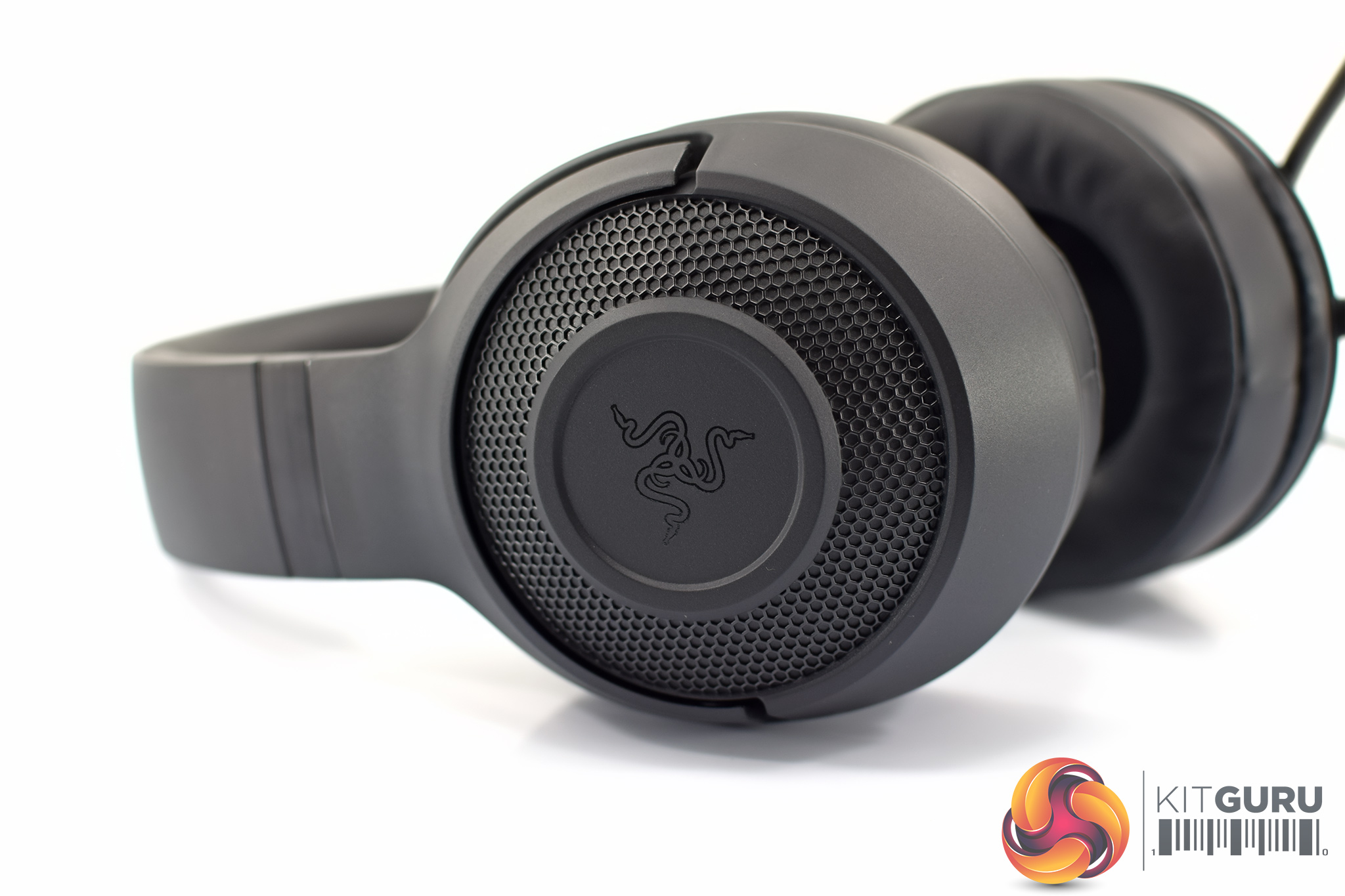
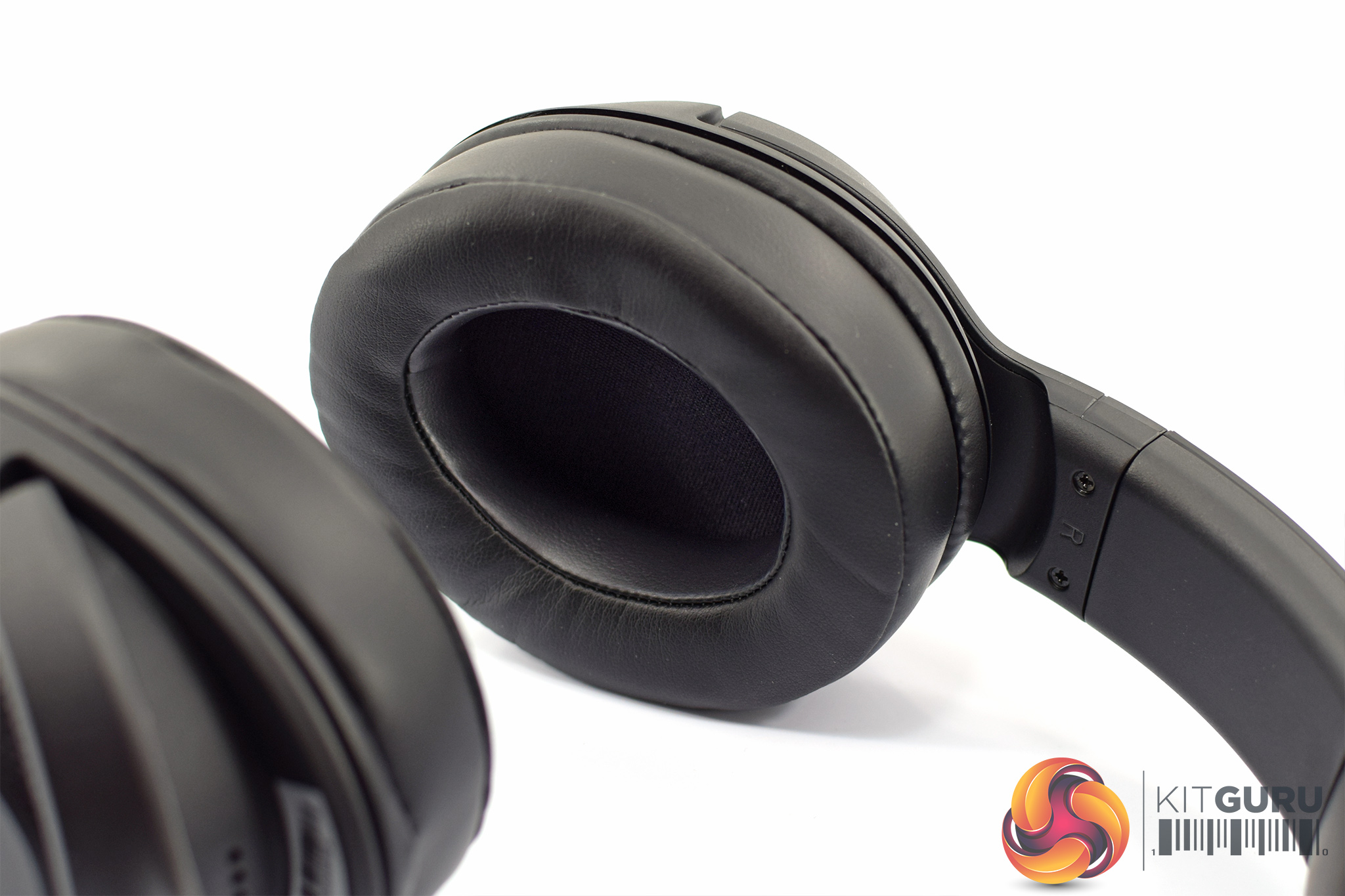
Speaking of those ear cups, the back of each cup is home to the Razer logo – printed in black, not green – while this area is surrounded by a honeycomb mesh. This may give the impression of an open-back headset, but it is just an aesthetic choice – the Kraken X is still closed-back like most other gaming headsets.
On the inside, we get a look at the leatherette ear cushions. These are now oval-shaped – some readers may remember Razer’s Kraken headsets used to have circular cushions – and I am particularly pleased to see the cushions are removable. This makes them easier to clean or even replace once the memory foam padding has worn down. Lastly, Razer also points out that the cushions have ‘hidden eyewear channels’ which are designed to prevent any discomfort or clamping around the temples if you wear glasses (which I do).


As for the headband, this is primarily made from polycarbonate-ABS – or plastic – with ‘Razer’ branded on the top side of the headband. The inside, however, does have a cushioned section – about 1.5cm thick – where the headset actually makes contact with your head.
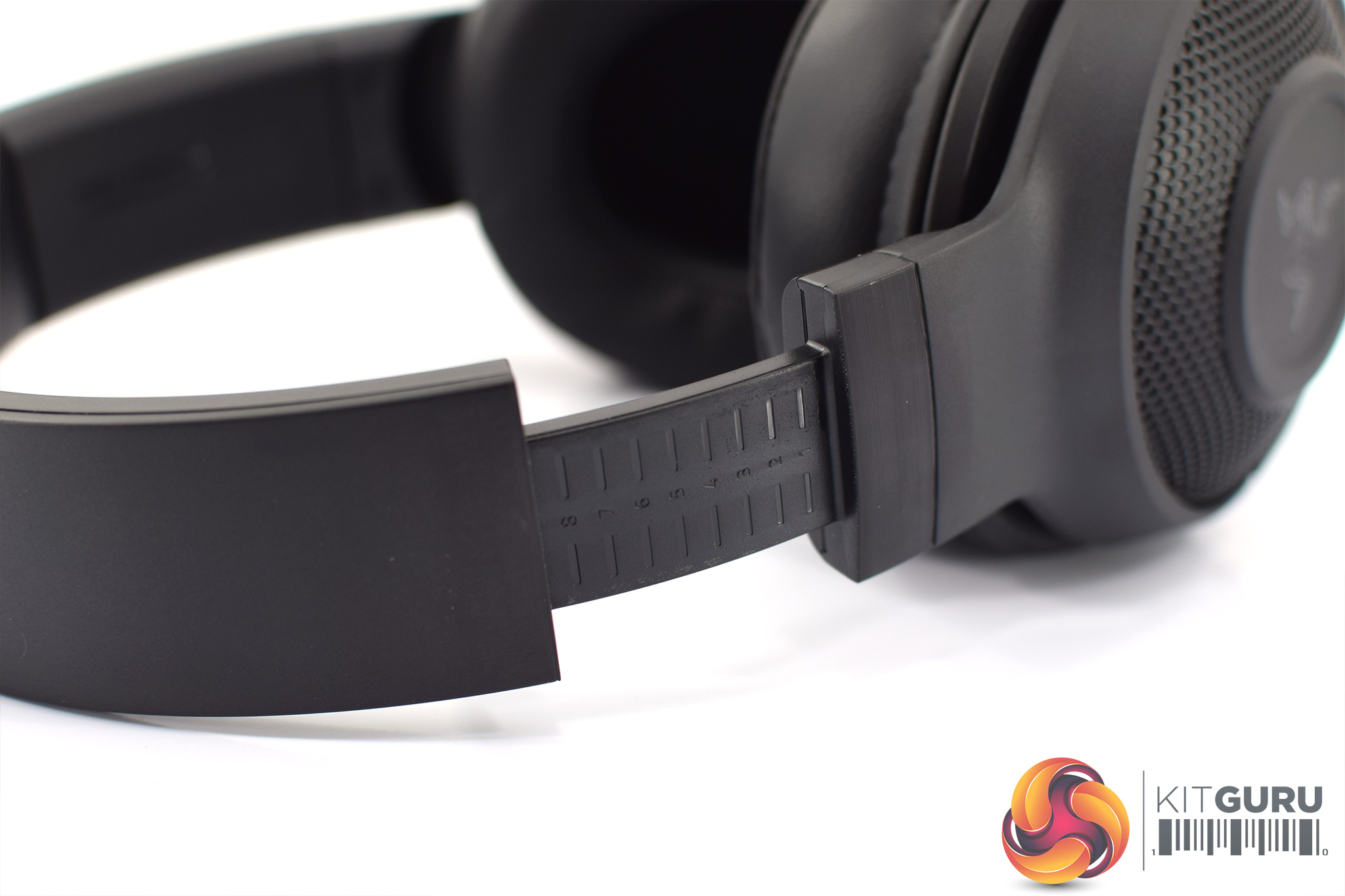
One last point on the headband is that its adjustable slider has size markings, from 1 to 9, which become visible as you extend the size of the Kraken X.
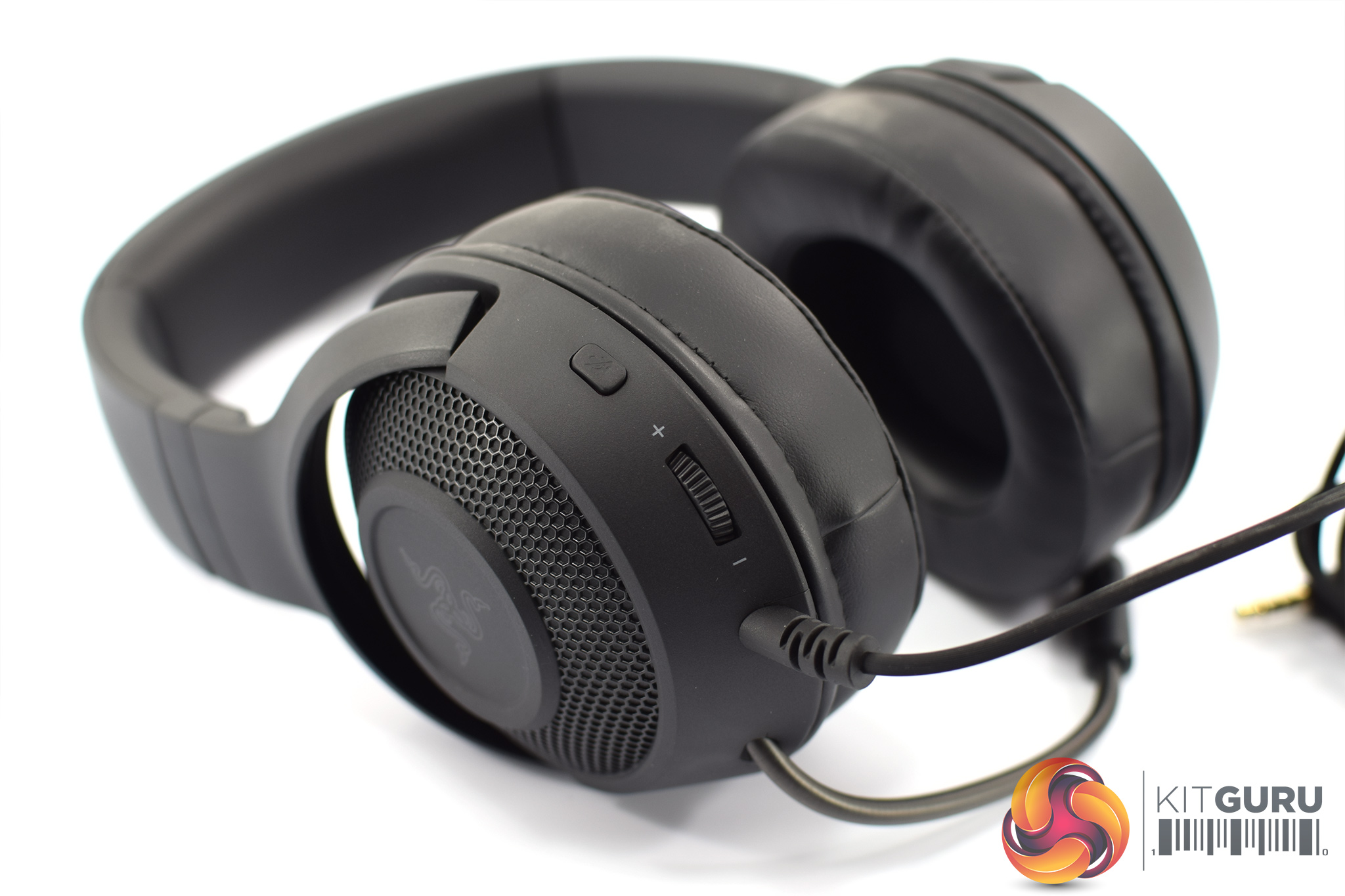
Other features to note include the on-ear controls. There’s no in-line remote with the Kraken X, but instead you get a volume wheel and mic mute button on the back of the left earcup.
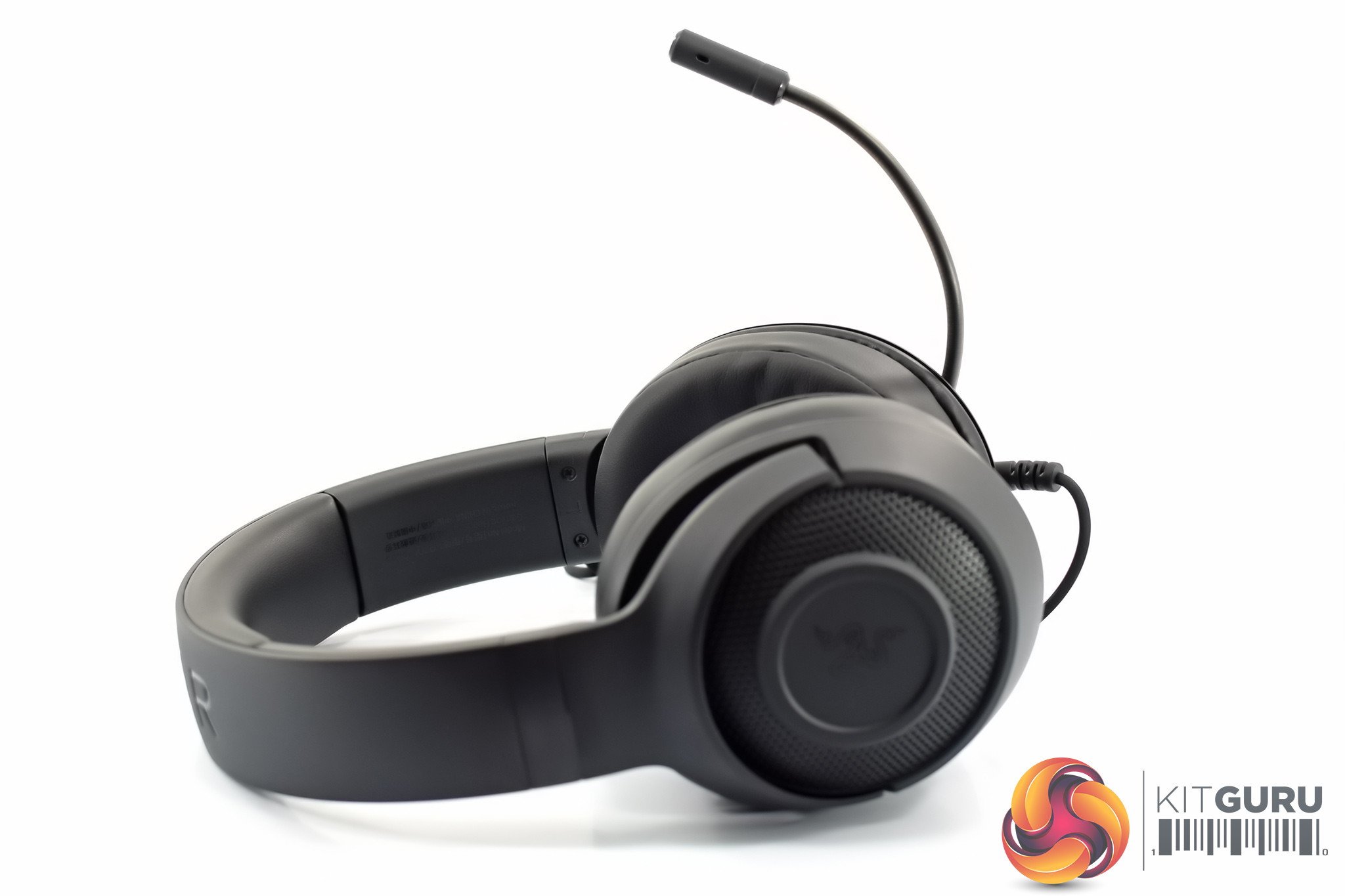
Then there’s the mic. This isn’t retractable – one of the cost saving measures for the Kraken X – but thankfully it is still very flexible and can be bent up and out of sight when not in use. The microphone itself uses what Razer describes as a ‘cardioid pattern’, designed to pick up sound from the area around your mouth while rejecting sound from the back and sides. We test the mic on the next page.
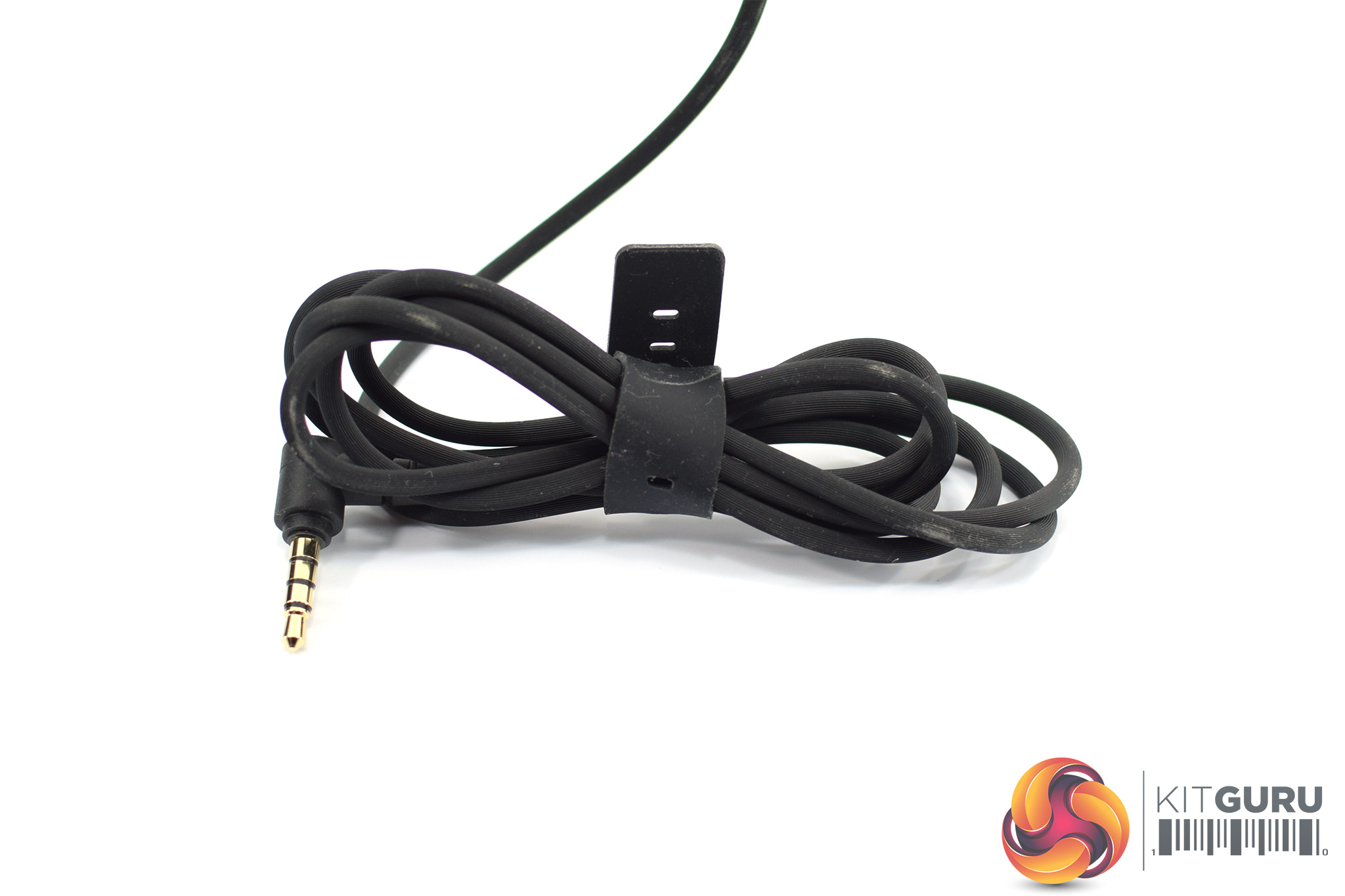
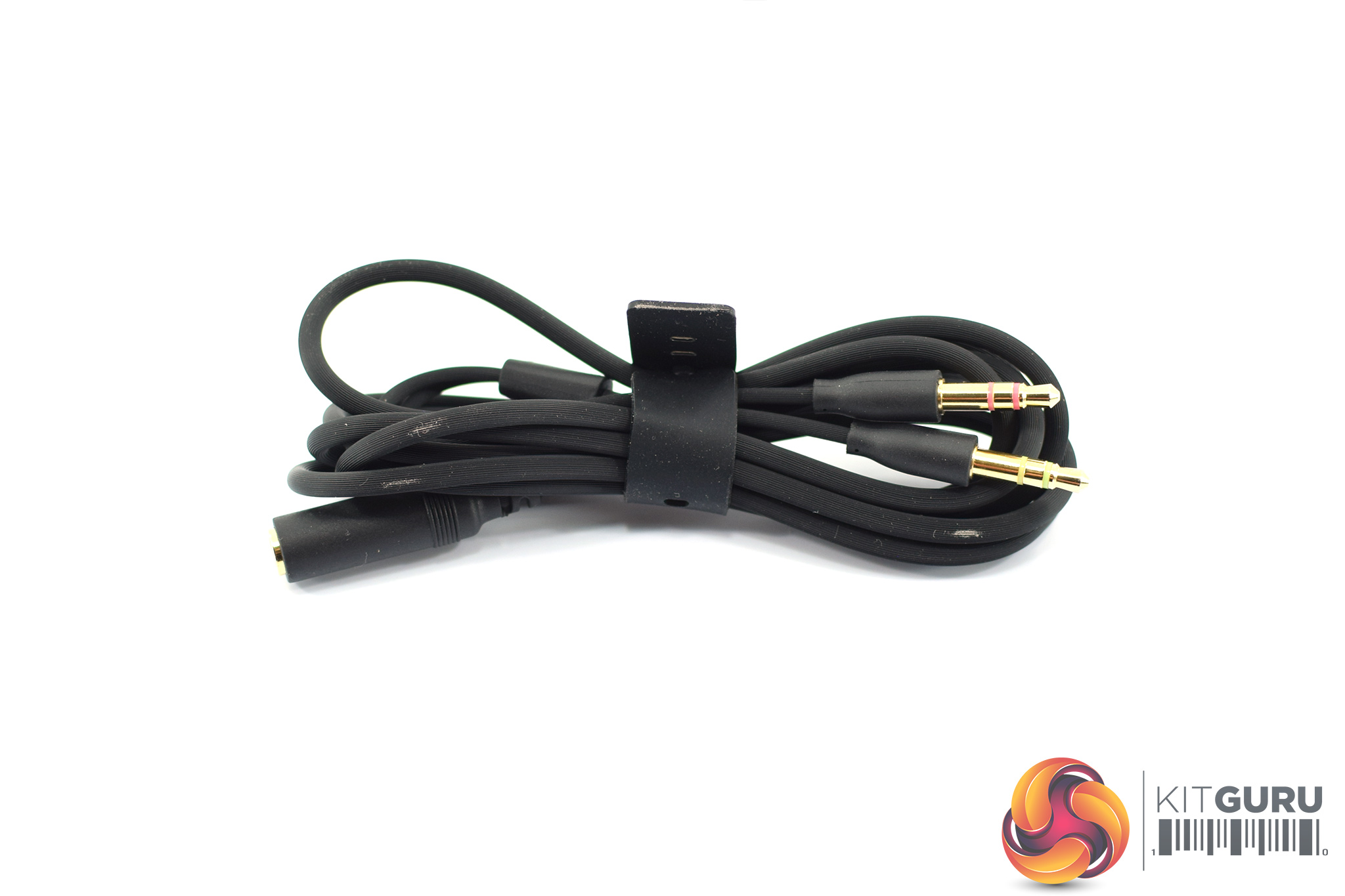
Lastly, the headset itself features an integrated, non-removable 1.3m cable which is made from a silicon-type material, and as we have mentioned this terminates with a 3.5mm jack. Thankfully, Razer also includes a splitter cable which measures approximately 1.5m long. This provides separate audio and mic jacks for use with a PC.To test the Kraken X, I used it for one week while gaming and listening to music. We break our testing down into four sections – software, build quality and comfort, sound, and mic.
Software
As we mentioned on the first page, the Kraken X is an analog headset, connecting via a 3.5mm jack. That means it will work with no setup required across PC, Xbox, PS4, Nintendo Switch and so on. That said, Razer is offering a free download of its new 7. Surround Sound utility to use with the Kraken X, though this is only available for Windows users.
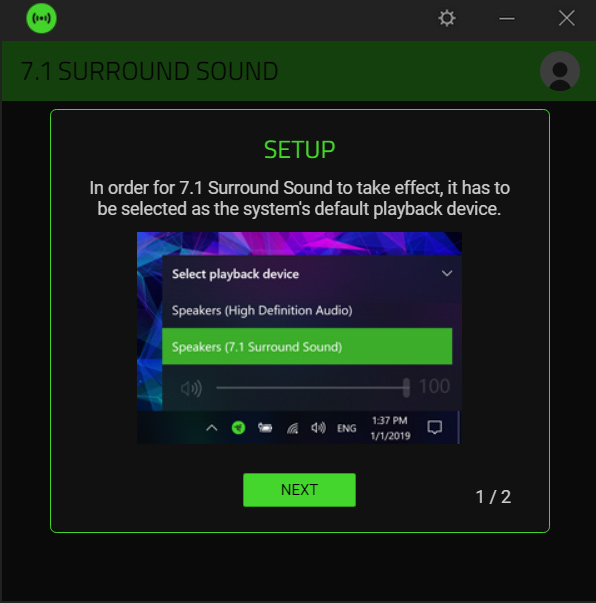
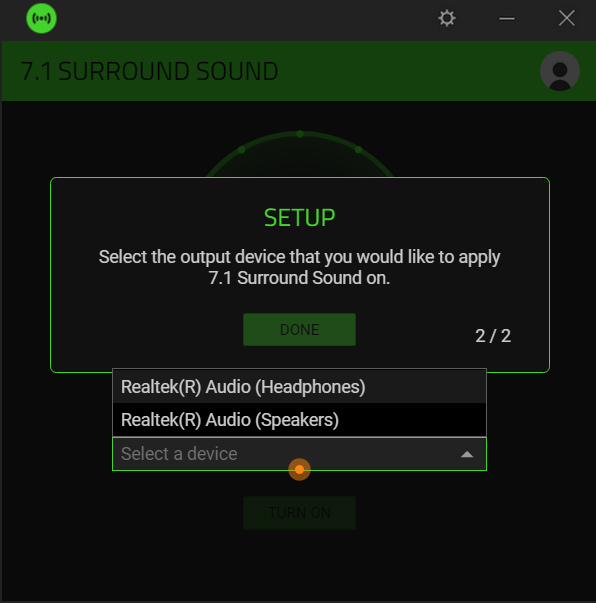
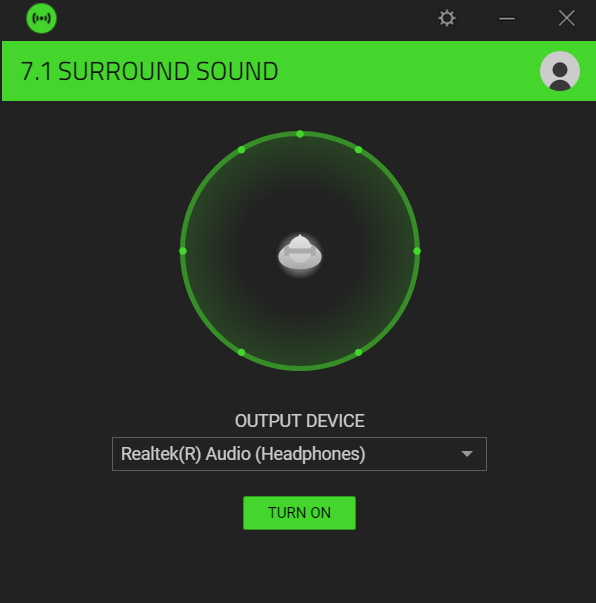
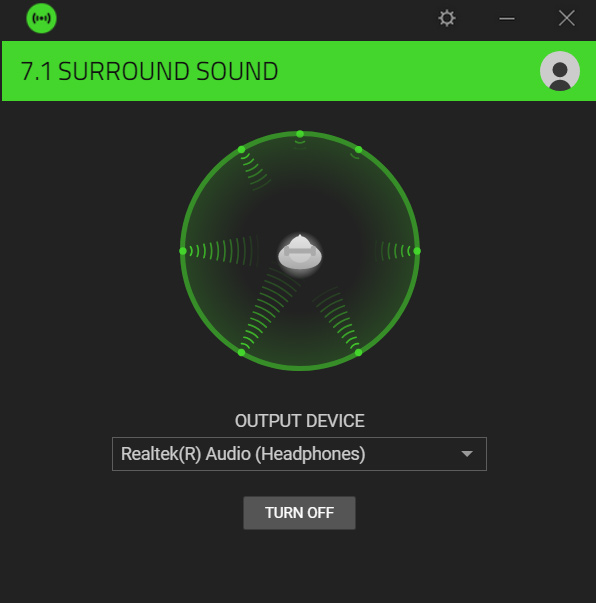
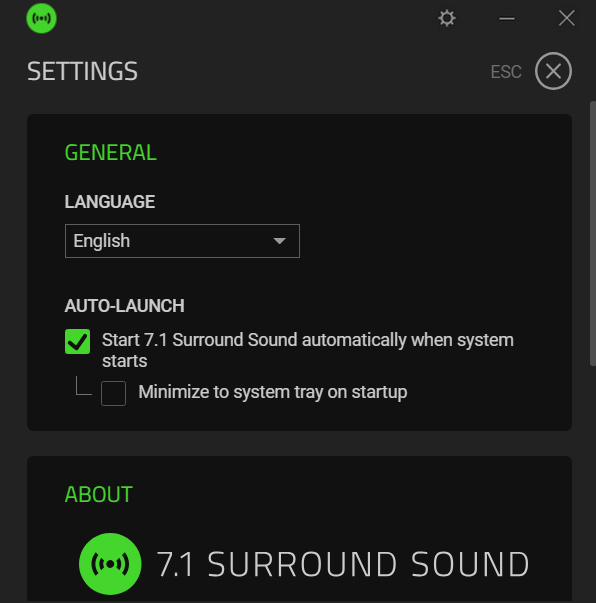
The first thing to note is the 7.1 Surround Sound download is separate to Synapse 3. If you don't have other Razer products that use Synapse, you won't need to download it as well for the Kraken X, but it's a shame it isn't integrated as part as Synapse for those who might have a Razer keyboard, mouse or laptop.
When it comes down to it, the software is very simple. It guides you through a brief setup process where you have to select which audio output the 7.1 effect will be applied to, and then you can turn 7.1 on or off – that's it. There is a basic settings menu where you can enable the software to start with Windows and change the language, but that is it in a nutshell.
Build quality and comfort
There's two ways to look at the build quality of the Kraken X. On one hand, it is undeniably a more budget product thanks to its all-plastic construction – it doesn't feel especially premium in the hand, and while the headband will twist and flex to some degree, you definitely get the feeling that if you applied a little more pressure it would snap in two.
The upside of that, however, is the headset weighs just 250g, making it one of the lightest headsets I've tested. The HyperX Cloud Stinger weighs 275g, for instance, while Corsair's HS50 is heavier still at 319g – though that does also feel more premium with metal yokes and a metal headband.
Still, the 250g weight means I had no issues wearing the headset for hours at a time, as it simply caused me no fatigue. The ear cushions fit around my ears with no discomfort either, and the headband spread the weight of the headset without causing any ‘hotspots' on the top of my skull.
I do wear glasses, and Razer makes a feature of its ‘eyewear channels in the ear cushions', and sure enough I had no issues with clamping pressure on the sides of my head. Then again, I don't get that from other headsets or headphones anyway – maybe if you wear glasses and are particularly sensitive when wearing a headset, it could be something to consider, but I can't say I really noticed the difference.
All in all, though, there no doubt the Kraken X is a very comfortable headset.
Sound
As the Kraken X is a gaming headset first and foremost, we will start with gaming performance before touching on general music playback below. I tested the Kraken X across a range of platforms, including my PC, Xbox One X and Nintendo Switch, and I have to say it sounds a lot better than I was expecting.
The first thing I noticed is that the bass isn't overwhelming or bloated, something many entry-level headsets can suffer from. That means explosions and gunfire doesn't muddy up other sounds like in-game speech or footsteps, but there is still enough punch to give you that sense of impact. Overall clarity is also good, with the sound being fairly well-balanced for a headset of this calibre.
On top of that, general audio positioning also proved to be accurate. I was mostly playing Doom (2016) on the PC, before Doom Eternal comes out later this year, and had no issues detecting various demons coming from either the right or left. Overall soundstage isn't massive so I wouldn't say you're getting better sound positioning than other headsets, but it's certainly not a weak area for the headset.
Toggling that virtual 7.1 setting will open up the soundstage, however, giving the effect that the audio has been pushed out around you. In fairness, this is probably one of the better 7.1 simulators I've tried – typically I find most to add far too much reverb, and while there is a little bit of that with the Kraken X, it doesn't muddy up the rest of the sound. Personally I'd always prefer to play in standard stereo mode, but the 7.1 is worth a go if you like that kind of thing.
So overall gaming performance is certainly good, how about listening to music? Well, like I said the bass isn't as prominent as I would have expected, and depending on your preferences that might make the sound feel a little flat – though speaking for myself, I like the more balanced overall sound. I did notice that vocalists sounded slightly distant, however, which just takes away the intimacy of certain acoustic tracks.
In a nutshell, the Kraken X doesn't sound terrible when listening to music, but if that is your top priority I'd suggest a pair of similarly-priced earphones or proper headphones instead. For gaming, though, I was very impressed with the Kraken X.
Mic
Kraken X Mic Test
Lastly, just touching on the mic. I have to say I was not expecting it to sound as good as it does – clarity is excellent, and while there is a hint of compression, it's very good for a £50 headset. Definitely a big plus for the Kraken X.Coming in at just £50, the Kraken X is one of the cheapest peripherals I have ever seen from Razer. Thankfully, it is also pretty good despite its more budget-oriented approach.
Starting with the design, it's entirely matte black – with not a drop of a colour anywhere on the headset. This gives it a very stealthy appearance which I quite like in this age of ‘RGB all the things', so if you want something simple and understated, the Kraken X is likely to appeal.
On top of that, is is very light at 250g, while it is also very comfortable to wear for long periods. The big downside here is that the lightness comes from the fact the Kraken X is made entirely from plastic, so it doesn't feel especially premium and I'd want to take extra care when transporting it from one place to another.
The headset does sound good, though. It connects via a standard 3.5mm jack so you can use it across a range of devices, and I enjoyed using the Kraken X while playing Doom on my PC equally as much as when playing Mario Kart on the Switch. It's got a pretty well-balanced overall sound which provides enough bass to give that low-end ‘oomph', while still having a clear mid-range and treble.
It's not as impressive when listening to music, however, and this is one area where I think the Corsair HS50 – a similarly-priced budget headset – has the edge. That said, Razer's offering does come with its own 7.1 Surround Sound software for PC gamers – something which would otherwise be missing from this analog headset – so that could also be something to consider if you like gaming with virtual 7.1.
On the whole, the Razer Kraken X is a very good headset for just £49.99. For me the biggest point of contention is the all-plastic construction, where the HS50 again has the upperhand with its metal yokes and headband. Even so, at this this price it is light, very comfortable, and sounds good when gaming – making it worth buying.
You can buy the Kraken X for £49.99 from Amazon UK HERE.
Pros
- Affordable.
- Stealthy, all-black design.
- Very comfortable and lightweight.
- Sounds great when gaming.
- Impressive mic quality.
Cons
- All-plastic construction doesn't feel especially robust.
- Not the best for listening to music.
- Mic is non-detachable/retractable.
KitGuru says: Razer's Kraken X is a very good option to have if you're looking for a new multi-platform headset.