 KitGuru KitGuru.net – Tech News | Hardware News | Hardware Reviews | IOS | Mobile | Gaming | Graphics Cards


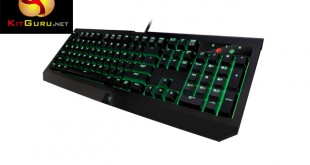
The Razer Black Widow has become very popular over the years, often being touted as one of the finest gaming keyboards around. Today, we are looking at the brand new 2016 edition, using Razer's own high specification mechanical switches – could this be the best option for gamers in 2016? Let's find out.
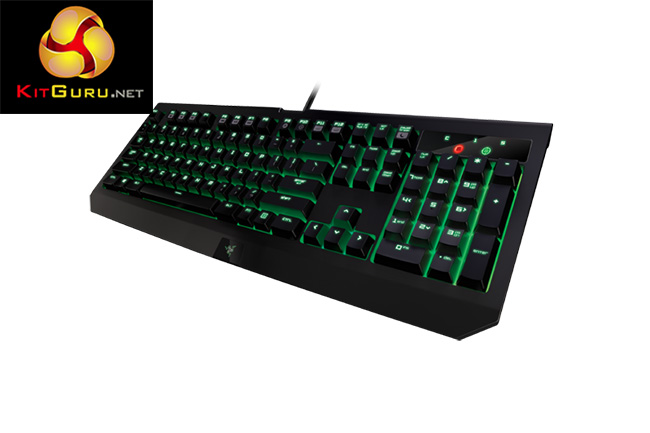
For the last couple of years, Razer has been manufacturing its own specification mechanical switches in partnership with Kailh. Thanks to Razer's own design tweaks, these switches are rated for swifter actuation and a longer life span.
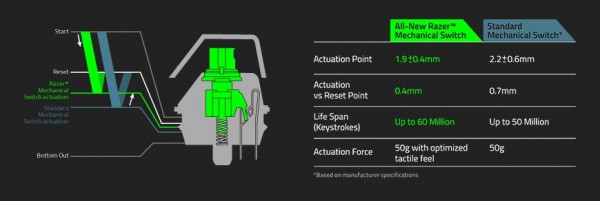
The model we are looking at today uses the Razer Green ‘clicky' switches but there is a Razer Orange option available featuring silent switches.
Features and Specifications:
- Razer Green switches.
- 50g actuation force.
- Individually lit keys.
- 60 million keystroke lifespan.
- USB passthrough.
- Audio passthrough.
- Macro support.
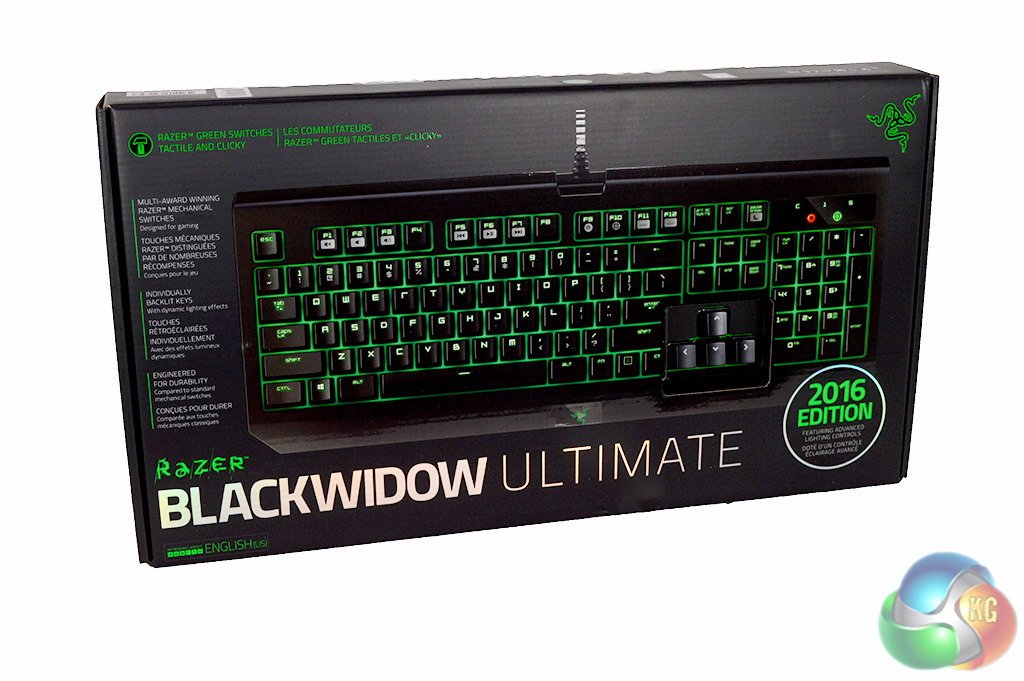
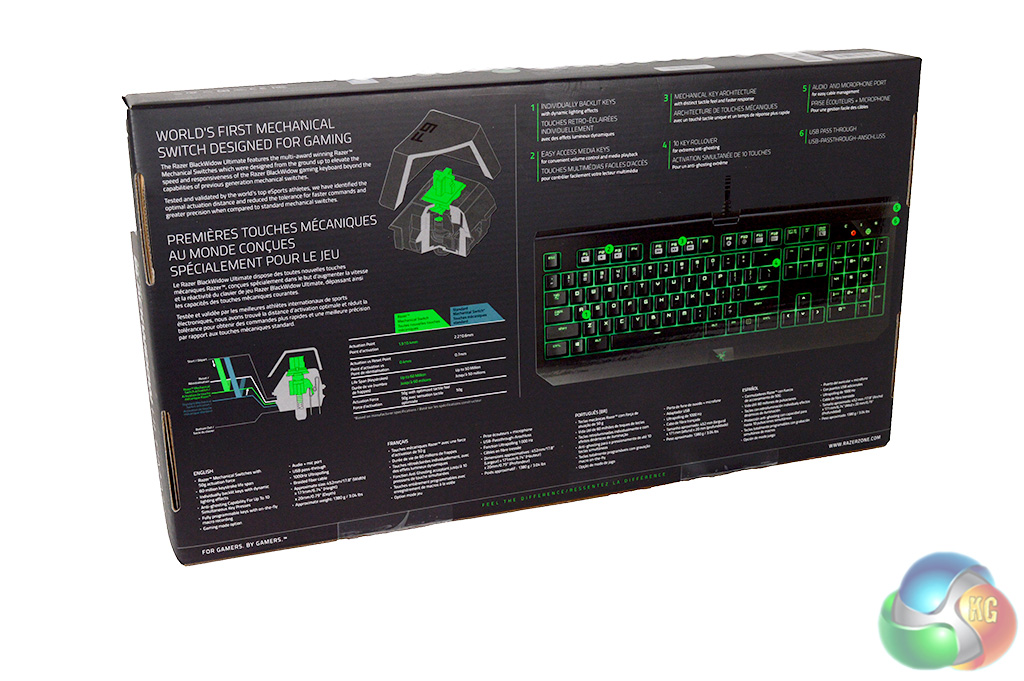
The Razer Black Widow Ultimate 2016 ships in a sturdy box with a little cut out on the front so that you can test the mechanical switches before opening. The back of the box runs through key features, such as Razer's own switch design.
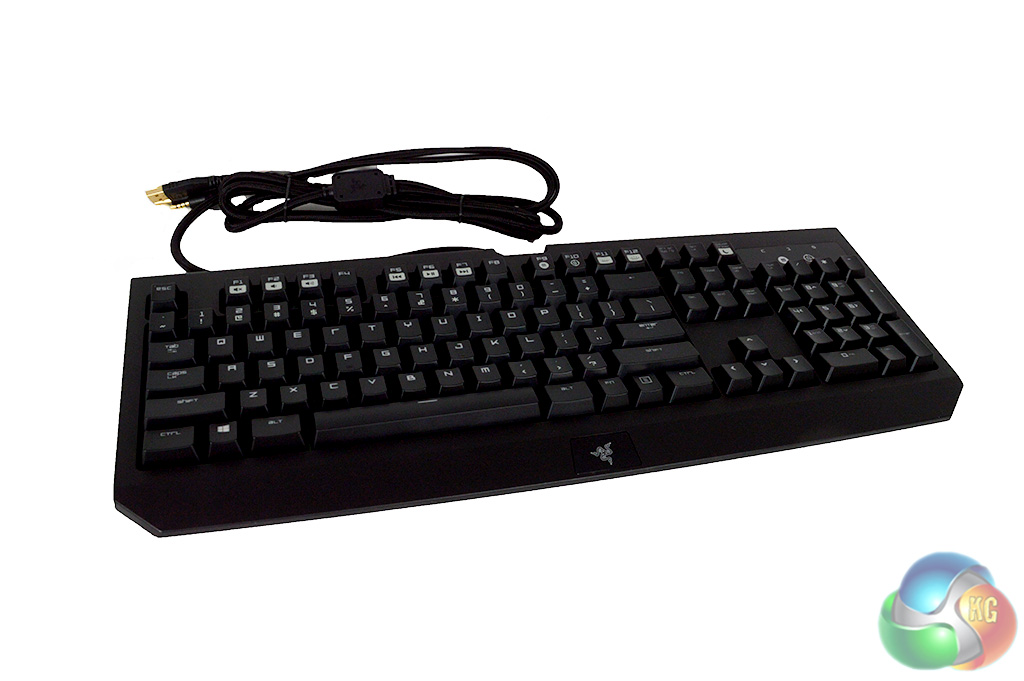
The Razer Black Widow retains its classic look, with stylised lettering on the keycaps and a long braided cable.
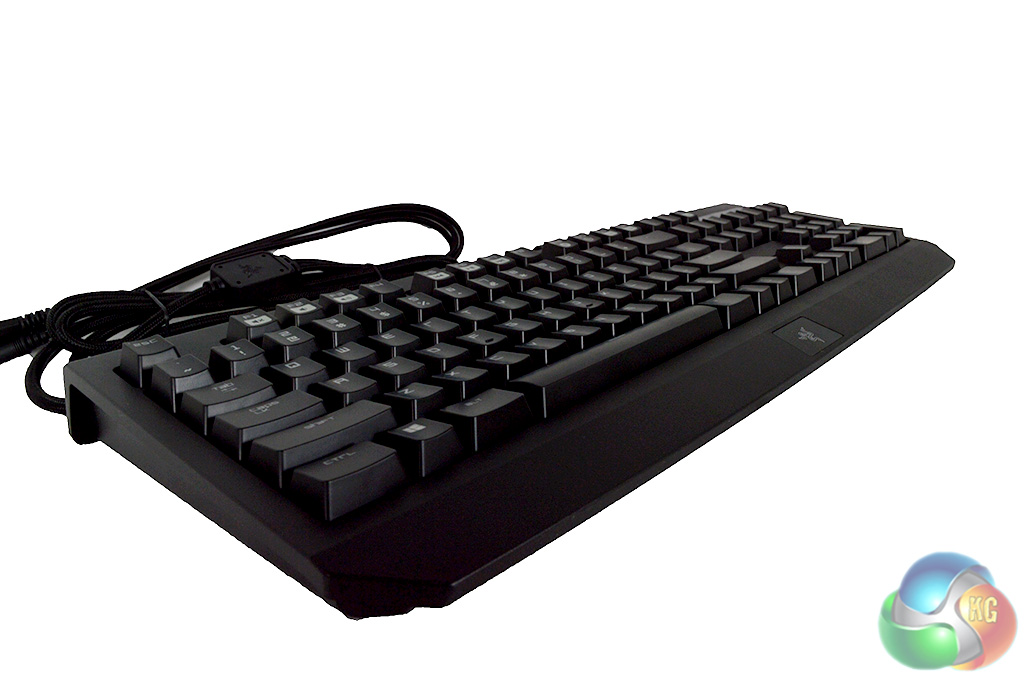
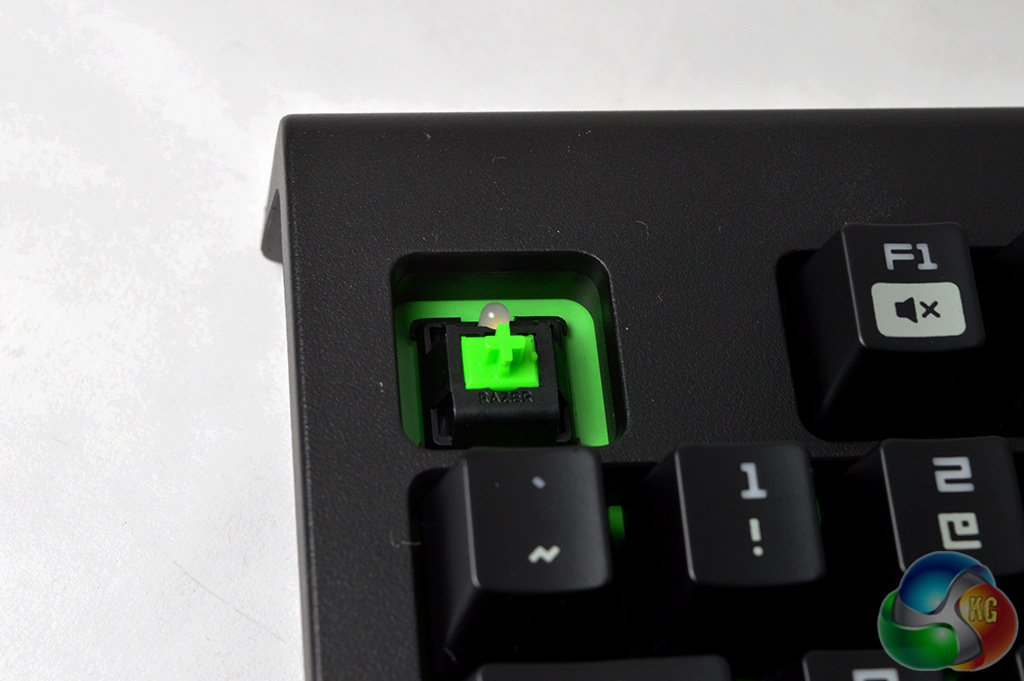
The Razer Black Widow Ultimate doesn't ship with a wrist rest though the body does extend outward a bit for bonus style points. Under the key caps, you will find the Razer switch along with an LED and a green reflection board which will help the LEDs appear brighter and illuminate more of the keyboard.
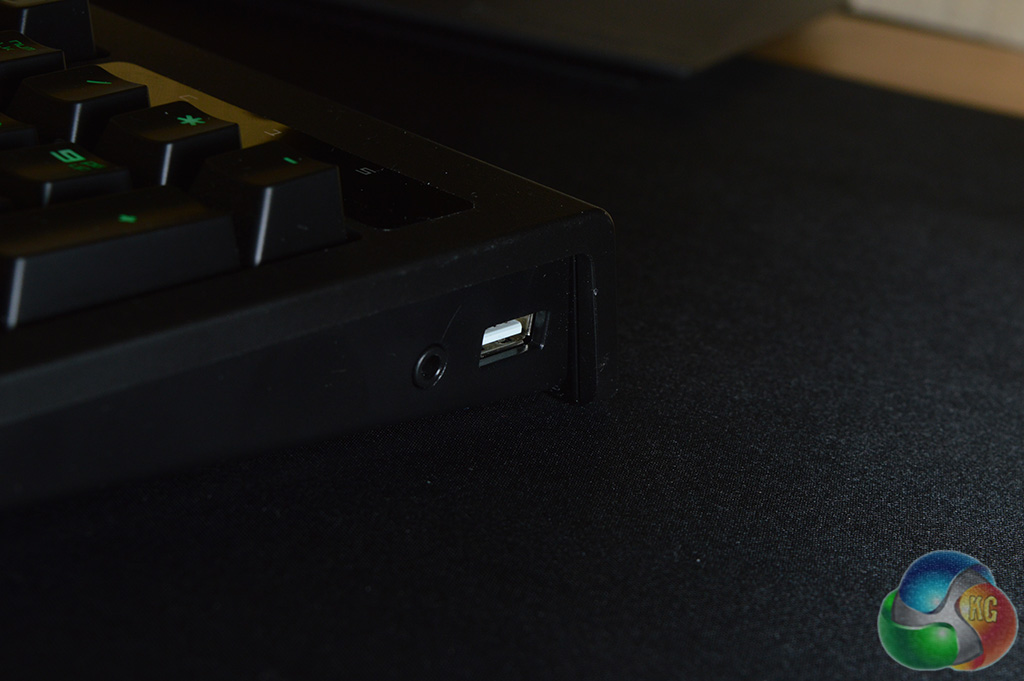
While a lot of gaming keyboards we have looked at in the last 12 months seem to have dropped the USB passthrough, Razer has included one on the Black Widow Ultimate 2016 along with an audio passthrough, which is great news.
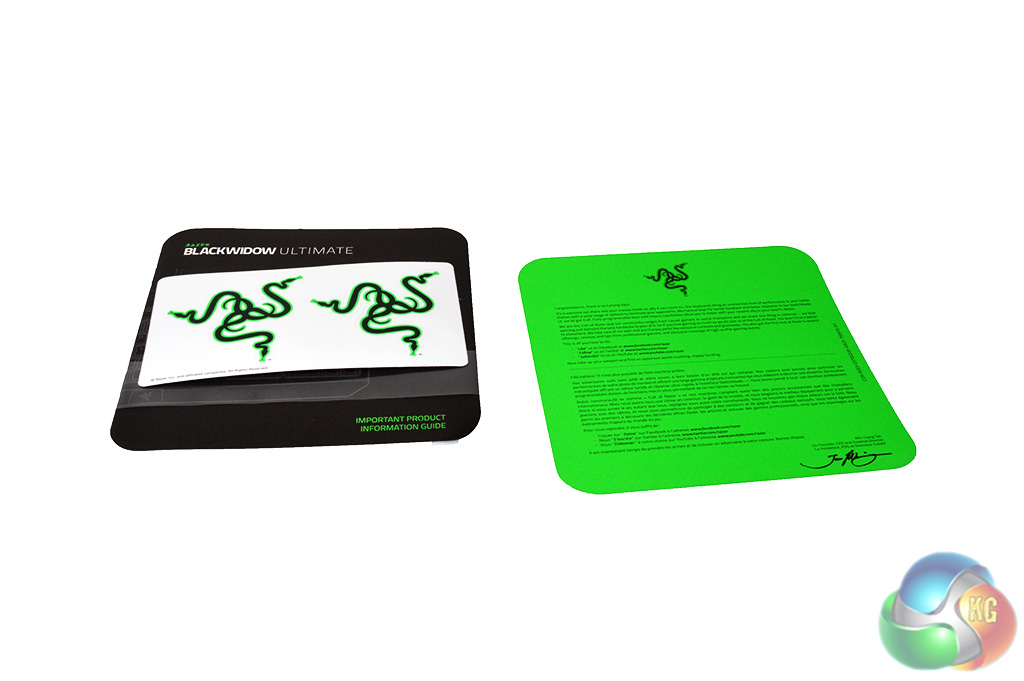
Finally, the box also includes some Razer stickers and a user manual.
Overall, it's an impressive looking keyboard. It uses Razer's classic green colour scheme for its lighting and as always with Razer products, it looks cool.
The Razer Black Widow Ultimate 2016 has succeeded in impressing us visually but how does it perform? For this review, I have been using it as my main keyboard for typing up the daily news at KitGuru, as well as playing plenty of games. To kick things off, let’s take a look at the software…
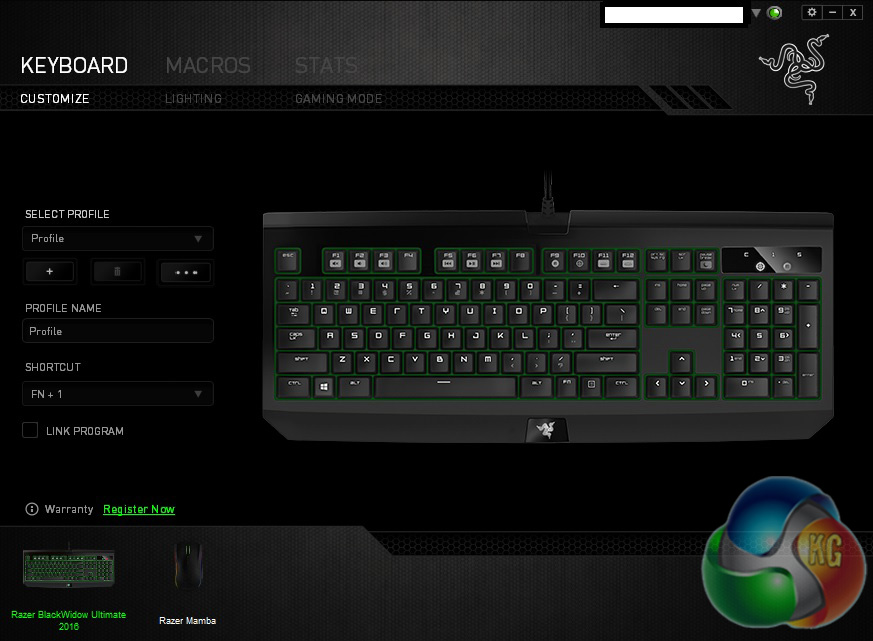
The Razer Black Widow Ultimate pairs up with Razer Synapse, the company's cross-platform software that allows you to control multiple products at once and push your profiles up to the cloud in case you switch PCs. The first window you will see upon opening Synapse is the profile window, where you can edit key functions, load and save different configurations.
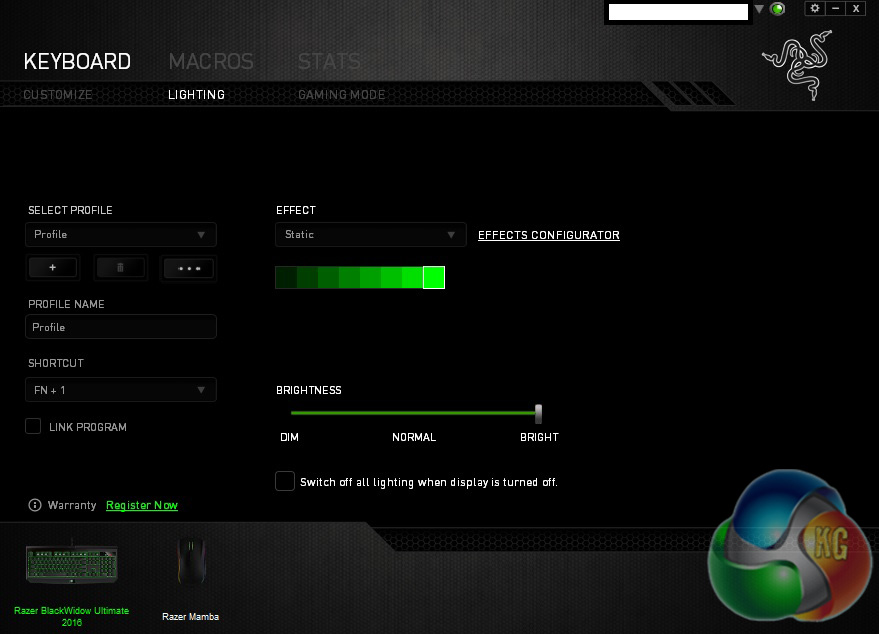
Since this is not a Chroma/RGB keyboard, the lighting window is fairly simple. You have a drop down menu with a few effects listed like wave, ripple, starlight or reactive which is where keys will light up after being pressed.
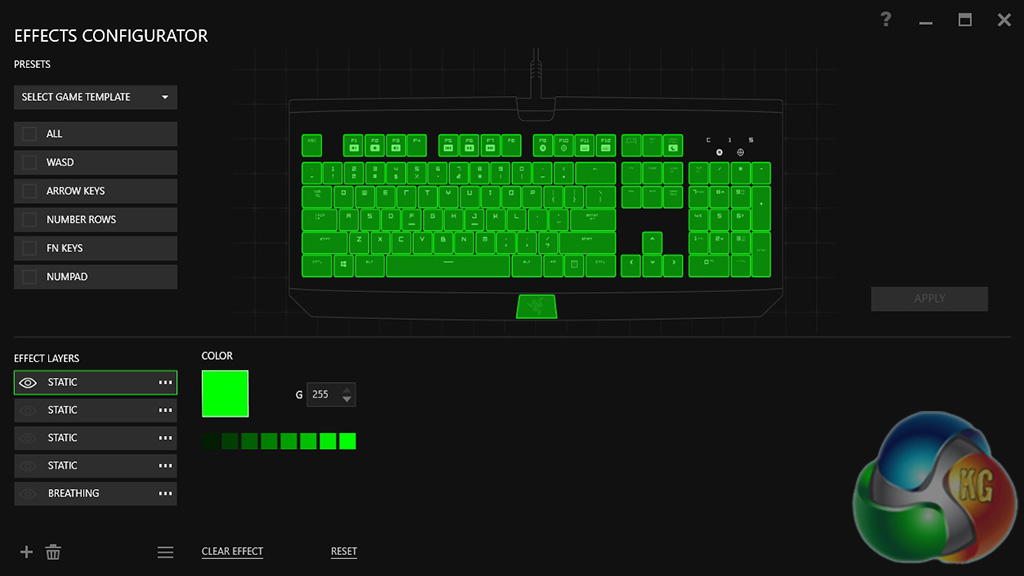
There is also an ‘effects configurator', which allows you to light up specific keys and apply different effects to parts of the keyboard.
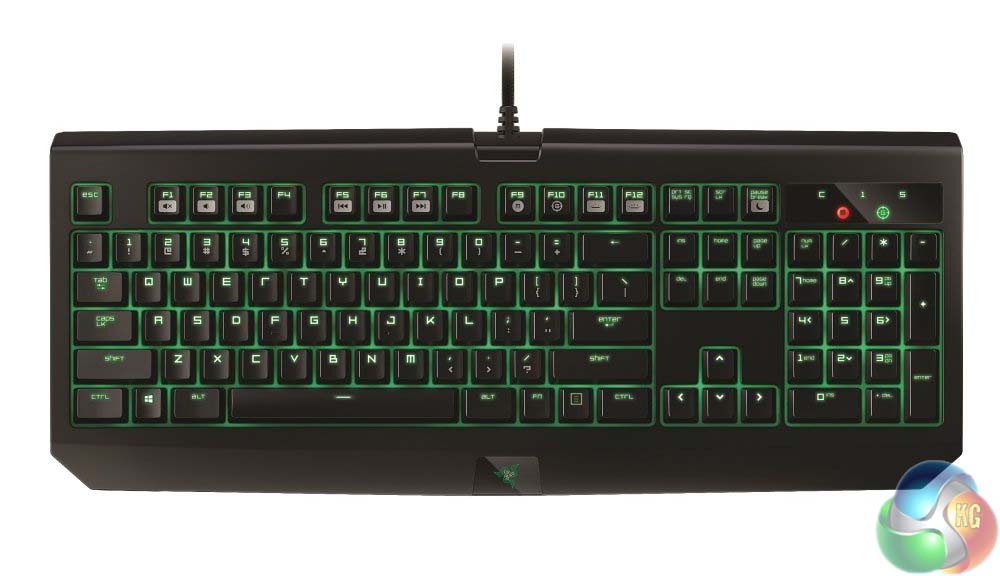
The lighting on the board isn't RGB but it comes through brightly. One thing that helps with overall illumination is the green board Razer has placed underneath the keys, which helps reflect the light from the LEDs back, allowing them to appear brighter while helping to spread light between individual keycaps. If you are like me and you don't turn your PC off very often but like to turn off the displays, then you can also set the keyboard lights to switch off at the same time.
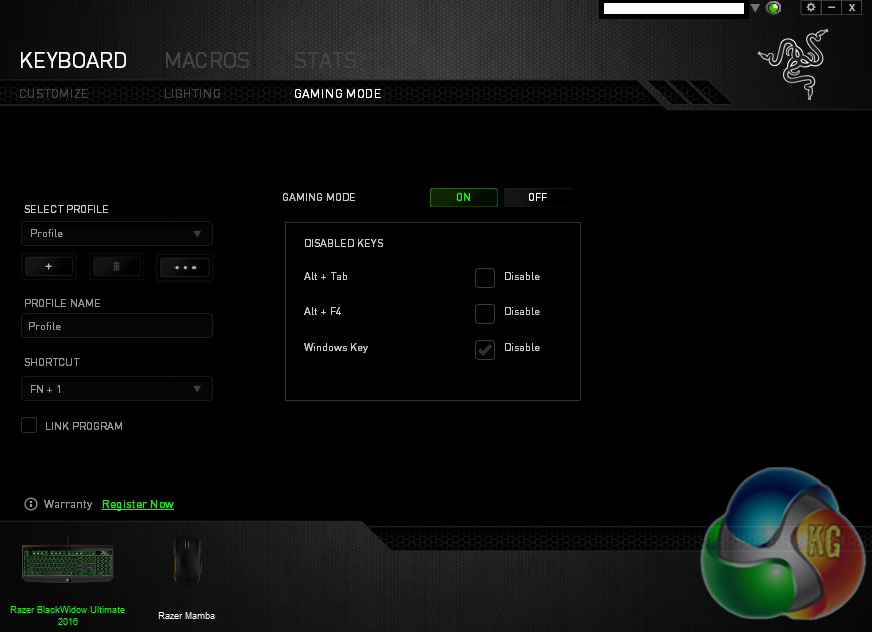
The Gaming mode tab allows you to switch the feature on or off. There are also some tweaks to be found, like disabling ALT+TAB and ALT+F4 as well as the Windows key.
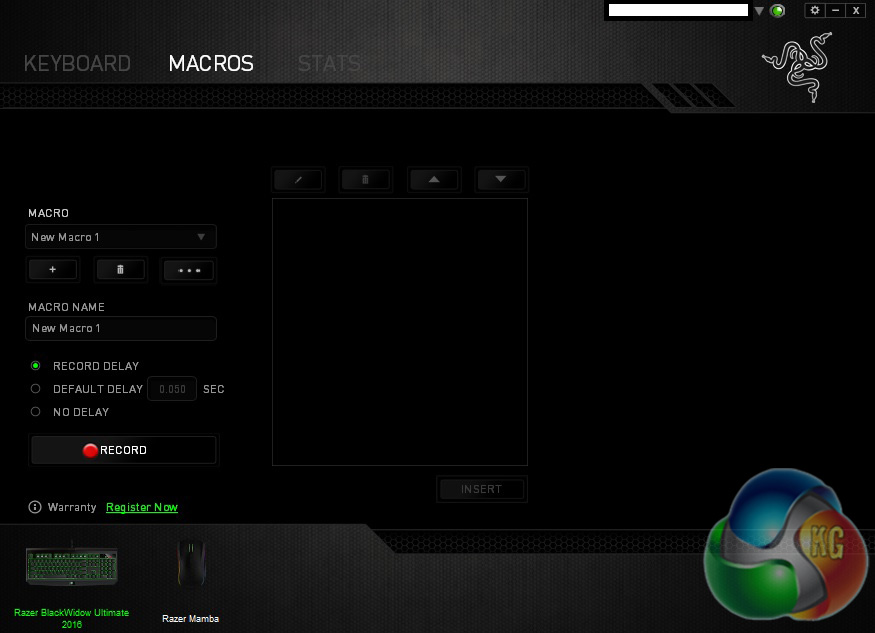
With the Razer Black Widow Ultimate, you can record Macros via Synapse as well as ‘on the fly' with the keyboard itself by pressing FN+F9. From here, you can save, apply and record new functions and set up delays between each action. The system works well and Razer's software makes it all easy to navigate.
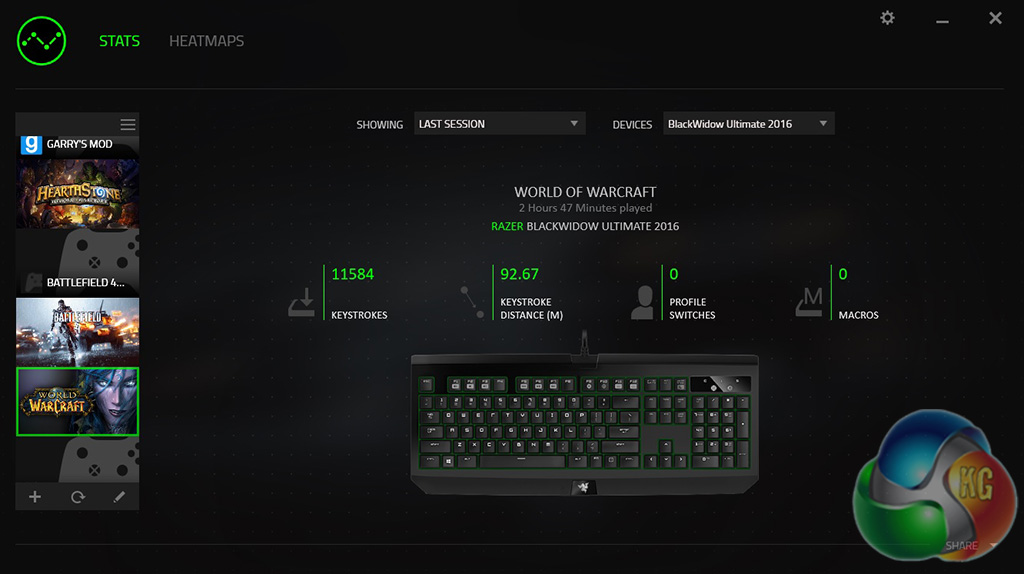
Lastly, Synapse includes a STATS tab, which allows you to see how any keystrokes you have made in certain games. It will also tell you how many macros you have set up for each game as well. As you can see from the screenshot above, I have spent some time in World of Warcraft since having this keyboard plugged in, resulting in close to 20,000 keystrokes in total.
Overall, Razer has done an excellent job with Synapse, it has worked well throughout my testing period with an easy to navigate layout and snappy response when applying new settings or switching between windows.
Now let's talk about the keyboard itself, as well as the Razer Green switches. These switches are manufactured by Kailh but based on Razer's own specification, allowing for swifter actuation and overall, a better feeling switch. The Green switches offer a tactile click much like the Cherry MX Blues, something that I appreciate a great deal especially when typing.
If you don't happen to like the click sound then Razer also offers a silent switch option for its keyboards.
The Razer Green switches make the Black Widow a joy to type on and I must say that the tactile feedback makes a world of difference, even compared to Cherry MX Brown switches, which I normally use on a day to day basis. While some of Kailh's own switches can give off a spring-like sound it seems that Razer's design has fixed this entirely, which is fantastic.
The Black Widow Ultimate 2016 is excellent for typing but when it comes down to it, this is a gaming keyboard. The tactile click is also nice to have here as well particularly in games where you find yourself pressing a lot of keys in quick succession, like MMOs, MOBAs or even RTS titles.
The Razer Black Widow Ultimate 2016 is a fantastic keyboard. Not only does it look awesome but the Razer Green switches might just be my new favourite, offering satisfying tactile feedback with each press.
While this isn't an RGB or ‘Chroma' keyboard, if you're a fan of green then this keyboard should fit your set up nicely. The green board underneath the keycaps helps reflect the light and illuminate under each key – the LEDs are capable of being very bright too.
While a lot of gaming keyboard makers have started to move away from the USB and audio pass-through, I was delighted to see that Razer has included it here and it did not go unappreciated.
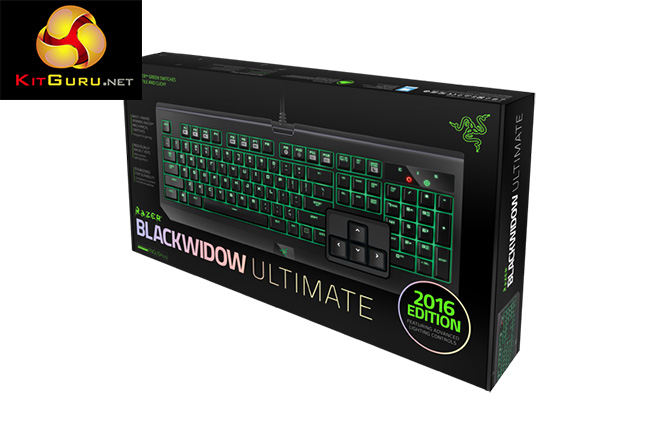
The Black Widow Ultimate 2016 Edition is available directly from Razer's store for £99.99. It's expensive but you will be getting one of the best gaming keyboards around in return.
Discuss on our Facebook page, over HERE.
Pros:
- Razer's mechanical switches are excellent.
- LED lighting is nice.
- Synapse performs well.
- Bonus points for style.
Cons:
- None.
KitGuru Says: The Razer Black Widow Ultimate 2016 is one of the best keyboards I have come across. It is expensive but Razer's mechanical switches are excellent and should be given some serious consideration.

What is the lifespan of the keys? What’s the build quality?
❝my friend’s mate Is getting 98$. HOURLY. on the internet❞….A few days ago new McLaren F1 bought after earning 18,512$,,,this was my previous month’s paycheck ,and-a little over, 17k$ Last month ..3-5 h/r of work a day ..with extra open doors & weekly. paychecks.. it’s realy the easiest work I have ever Do.. I Joined This 7 months ago and now making over 87$, p/h.Learn More right Here:357➤➤➤➤➤ http://GlobalSuperEmploymentVacanciesReportsWork/GetPaid/98$hourly…. .❦❦❦❦.❦❦❦❦.❦❦❦❦.❦❦❦❦.❦❦❦❦.❦❦❦❦.❦❦❦❦.❦❦❦❦.❦❦❦❦.❦❦❦❦.❦❦❦❦.❦❦❦❦.❦❦❦❦:::::::357.
I wonder what the difference is between this and my 2015 Ultimate Stealth edition.