 KitGuru KitGuru.net – Tech News | Hardware News | Hardware Reviews | IOS | Mobile | Gaming | Graphics Cards


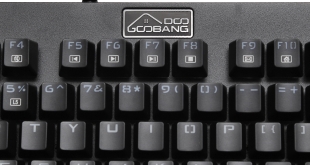
While there is no chance that the name is familiar to you, GooBang does have a number of products listed on Amazon and has been trading for at least a couple of years. The company's web site itself is tragic, so we had no idea what to expect when offered the ‘Doo' keyboard. In their own words, this product has been created for demanding gamers, “Don't let yourself get caught with a slow and mushy membrane keyboard”. With no expectations, we set about evaluating this TKL RGB product.
Founded by ‘Mark' from Princeton, GooBang's latest offering is the ET-8178 model mechanical gaming keyboard with RGB lighting and 88 keys. My standard gaming keyboard is a solidly built Tt eSports Poseidon Z. Straight out of the box, I can tell you that the GooBang Doo has, in comparison, a surprisingly robust feel. Given its price, we're going to approach this review (mostly) from the point of view of a casual gamer who wants to get more serious about their gaming, without breaking the bank.
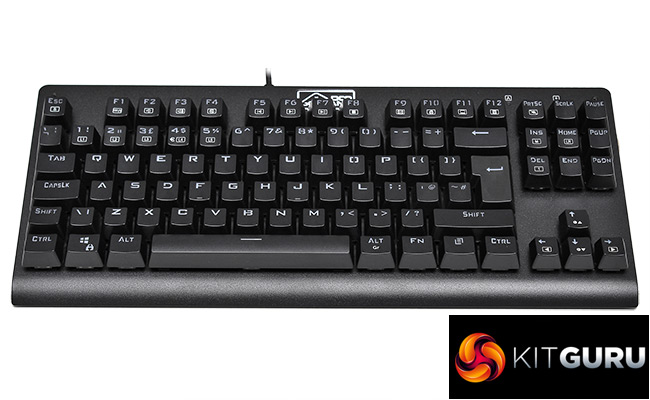
Reminiscent in both style and price to the Corsair K63 (albeit with a more compressed layout), contemporary peripherals like the GooBang have to deal with stiff competition from established brands like Roccat, Razer and HyperX. Having a price tag close to £40 for the UK layout will help.
Here's the basic specification:-
- No of Keys: 88
- Switch Type: Outemu Blue
- Key Stroke Travel: 4.0±0.2mm
- Key Force: 60g±10g
- Key Lifespan: 60 Million Strokes
- Interface: USB Interface
- Key Caps Material: Double Shot Injection PC + ABS
- Upper Shell Material: Metal (Aluminium Alloy)
- Working Voltage: 5.0V DC
- Compatible System: Windows XP/Vista/Win7/Win8/Win10/MacOS/Linux
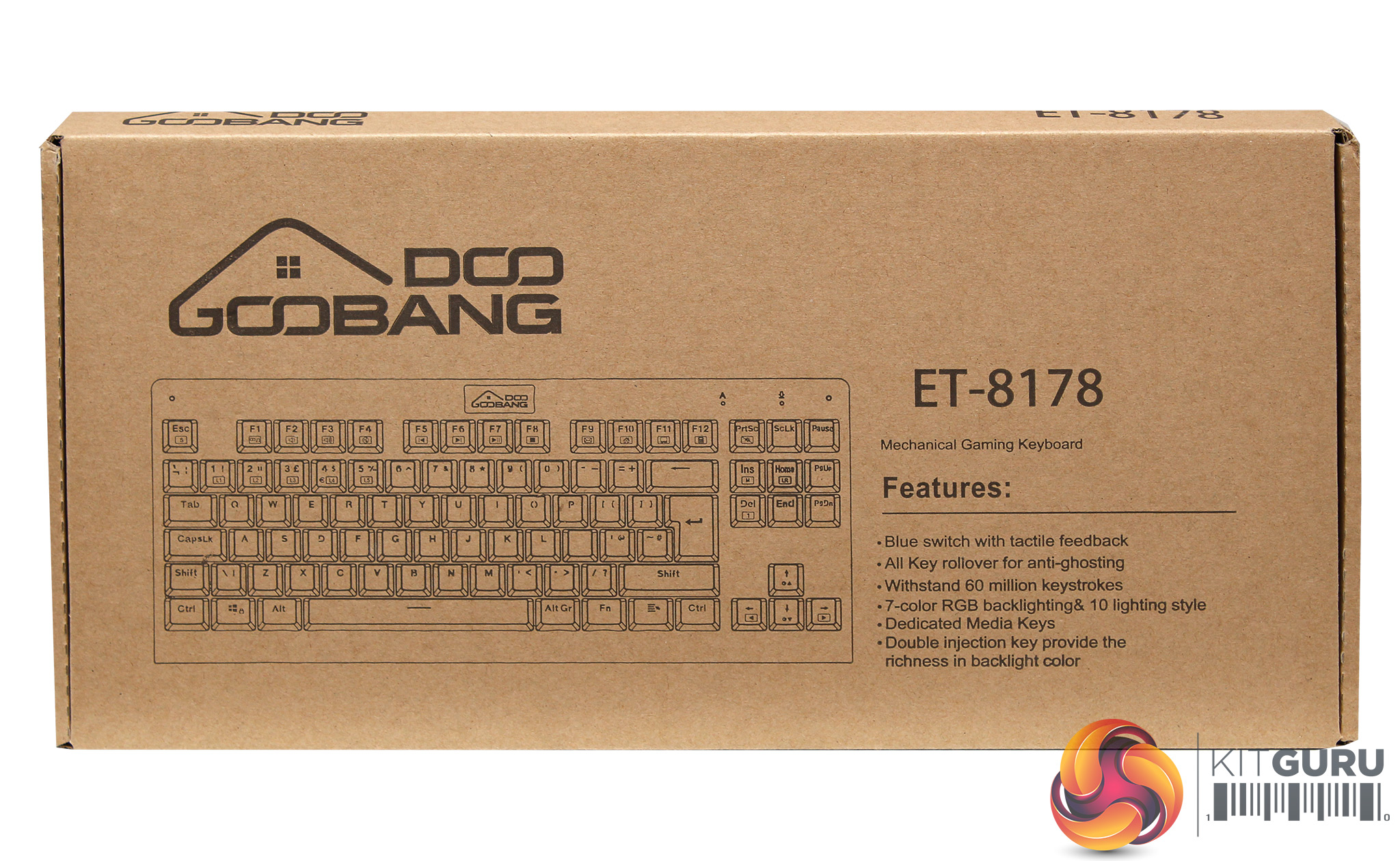
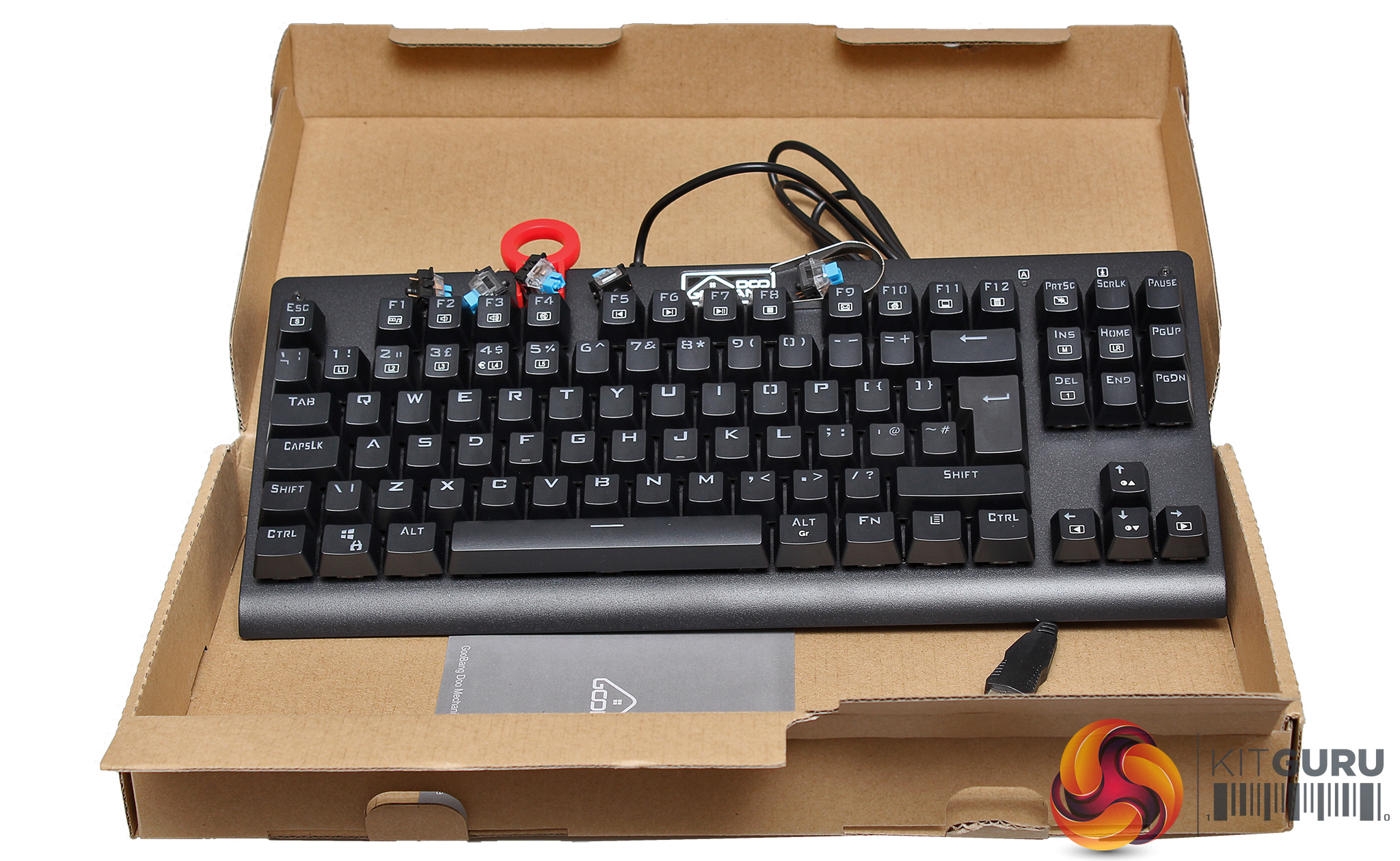
The GooBang Doo arrived in a basic brown cardboard box with a line drawing of the product on the outside, along with a basic features list. This is fine for internet orders, but wouldn't compete for your attention on the shelf in a specialist retail store.
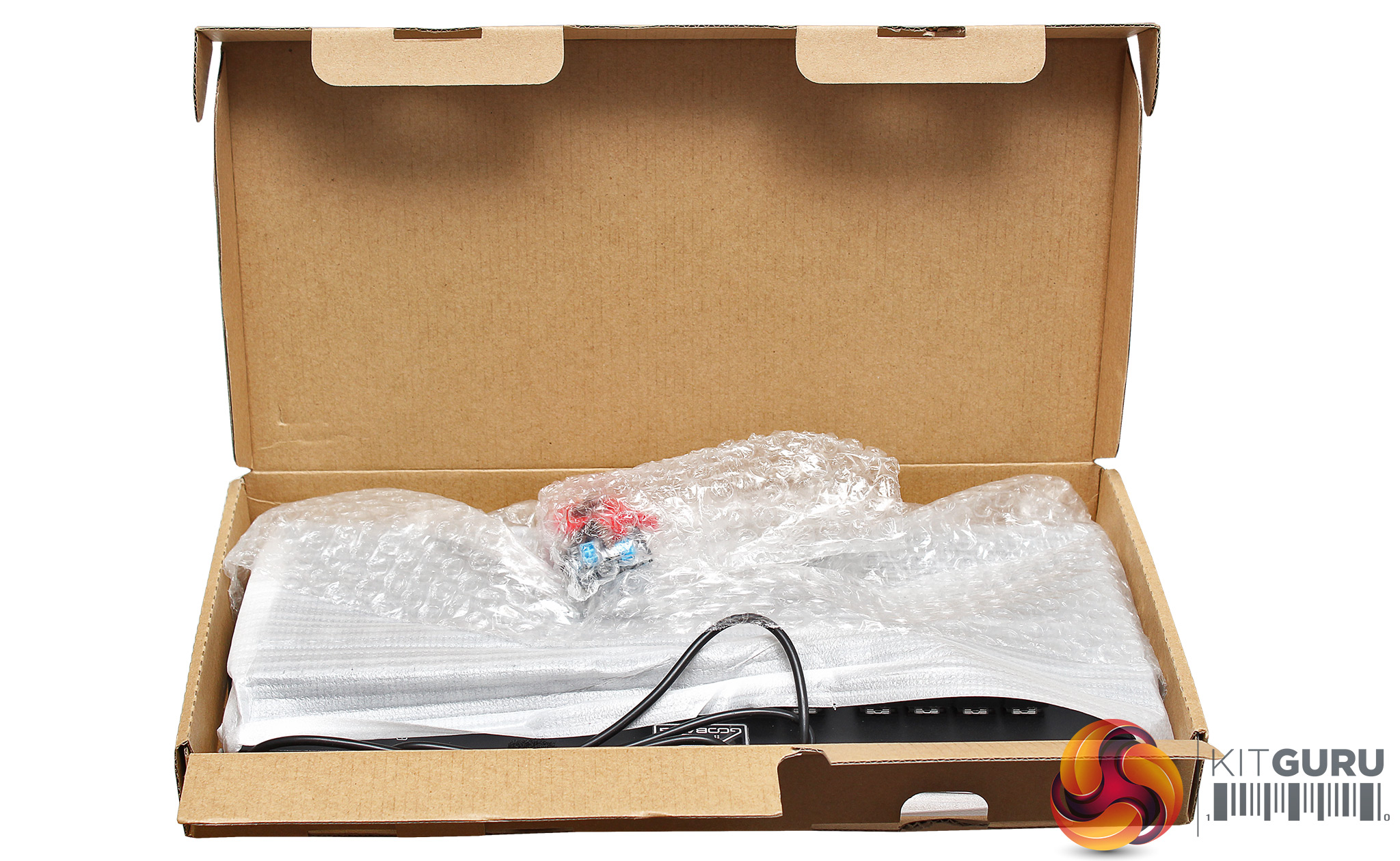
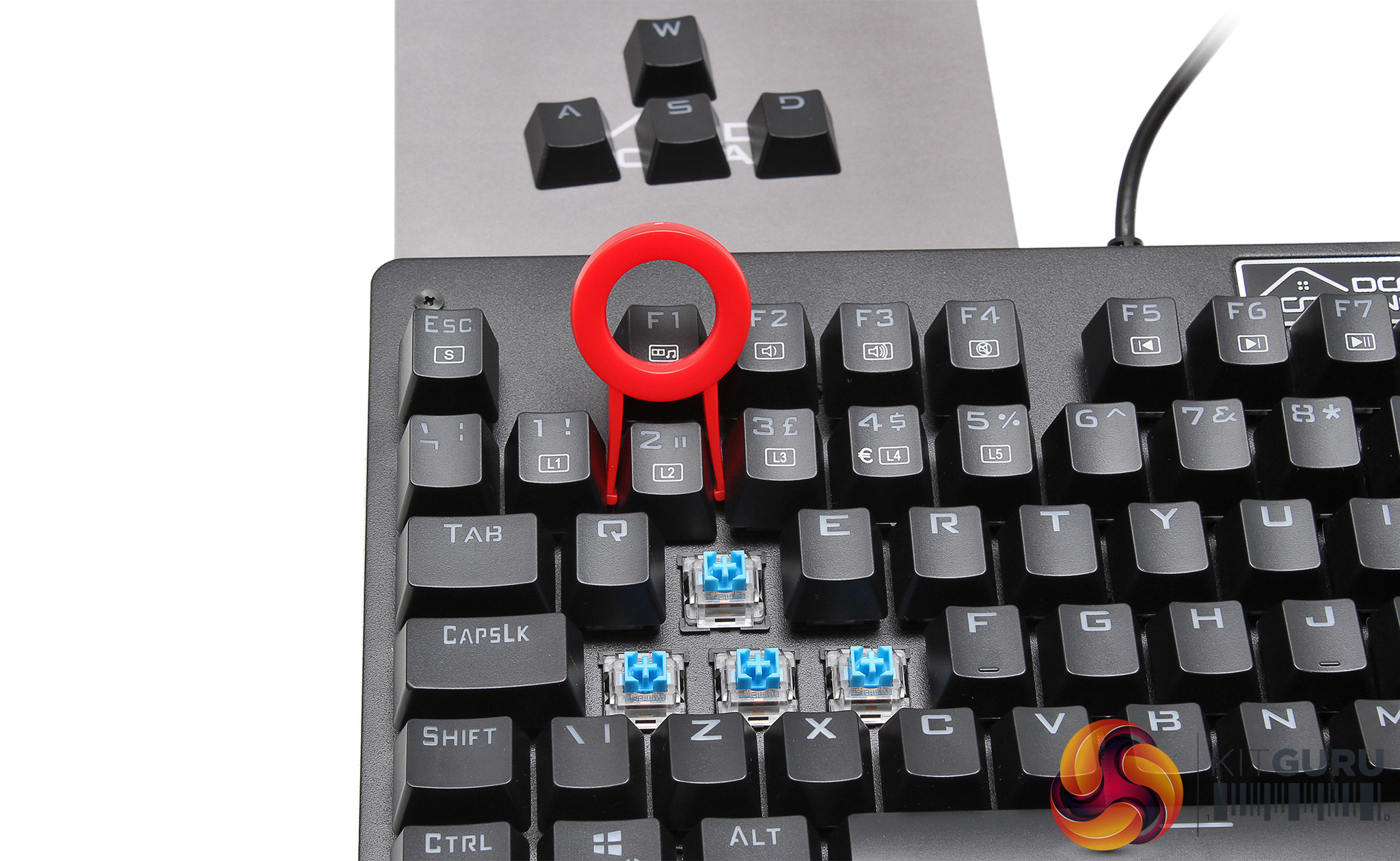
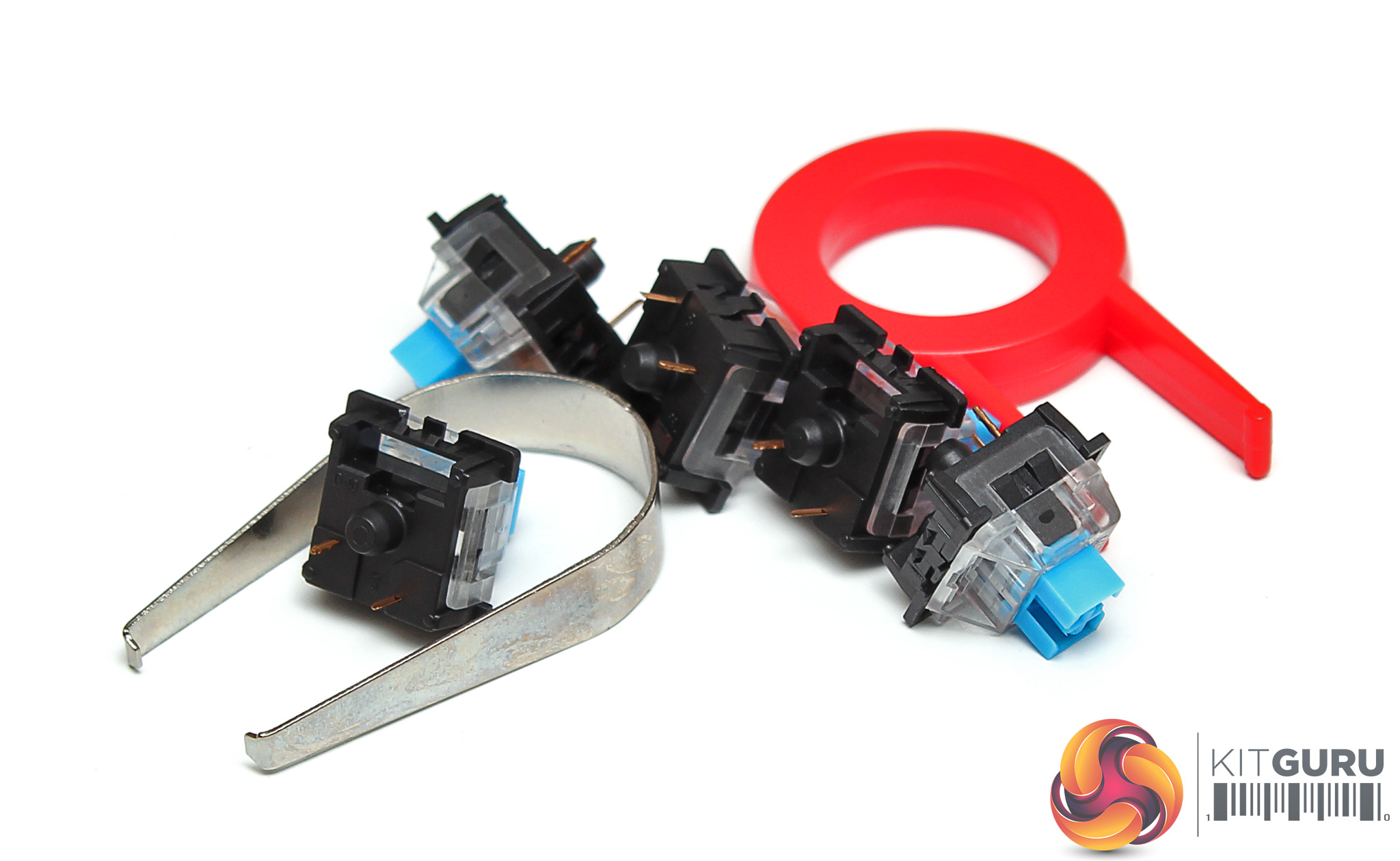
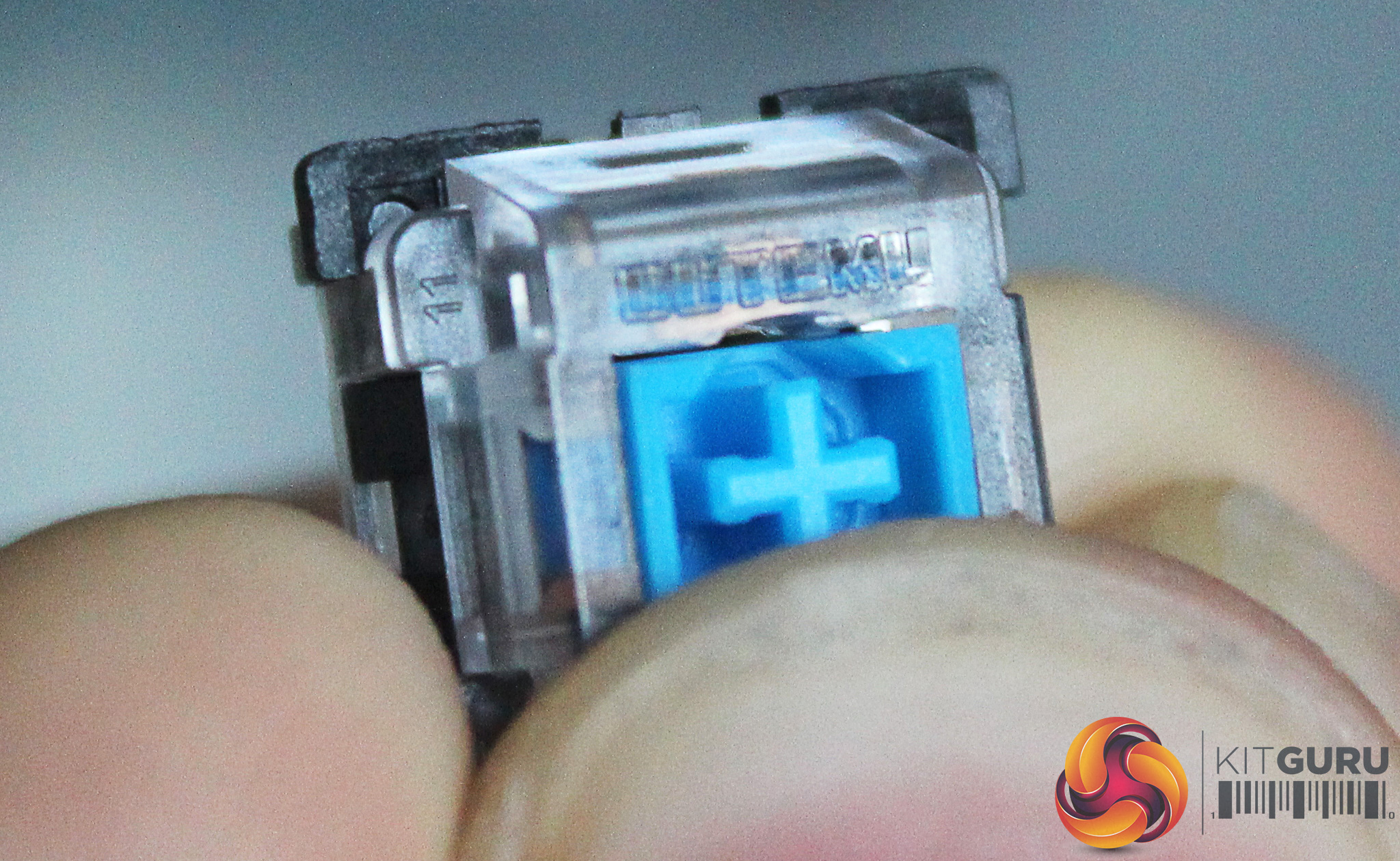
GooBang puts effort into getting you to notice that they opted to integrate blue switches, but these are not from Cherry. Instead, they chose Outemu. Taking a photo of this name, in raised clear plastic, written in microscopic font, was fun. Human fingernails have been left in (below) for size comparison (you'll need to click on the pic if you want to see what we saw). You are supplied with 5 spare switches – plus the tools of extraction – should you feel the need to swap out in the future.
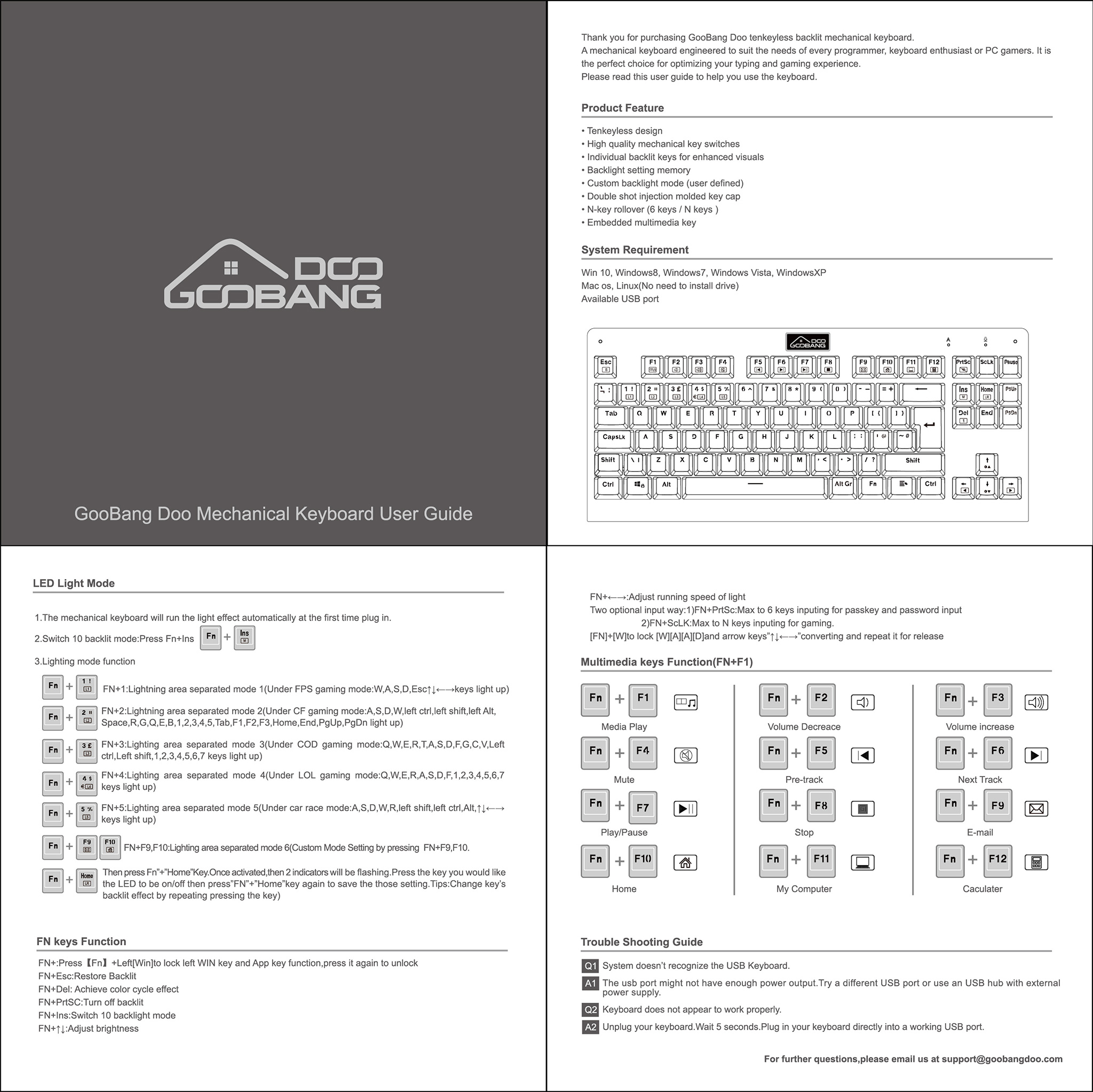
The package contents itself is the very definition of minimalistic, but everything you need should be contained within. There is no specific driver. RGB modes are changed using pre-programmed key sequences. We were unable to locate a ‘spare' online – so we recommend you keep your instruction sheet somewhere very safe.
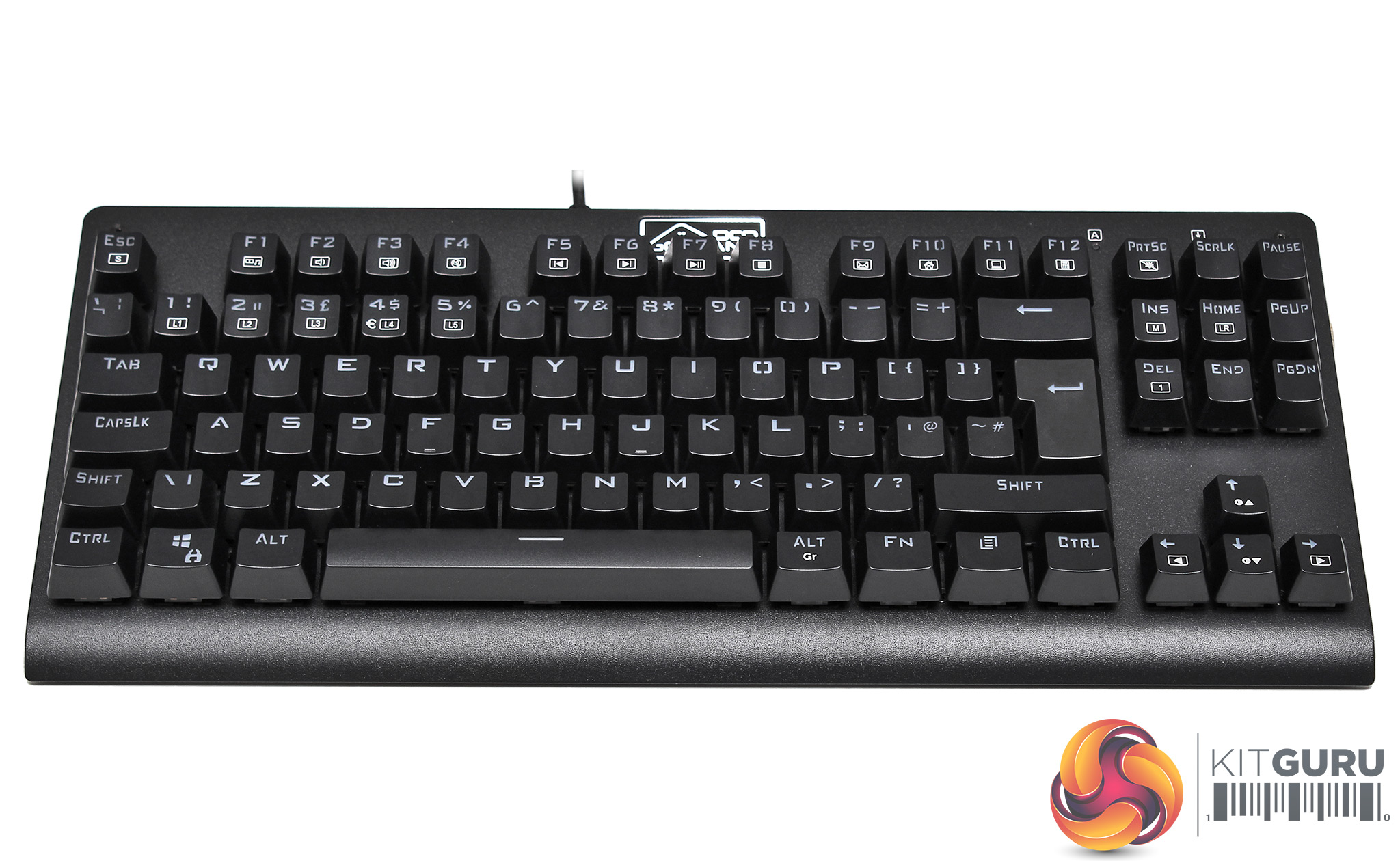
The keyboard itself is black and simple. Compared to other products we've seen recently, (we're thinking specifically about the Patriot Viper v770), the GooBang Doo offers no ‘added extras' like wrist rests or media trays. That said, at the time of going to press, the GooBang Doo is 60% cheaper – so there's a strong element of ‘You get what you pay for'.
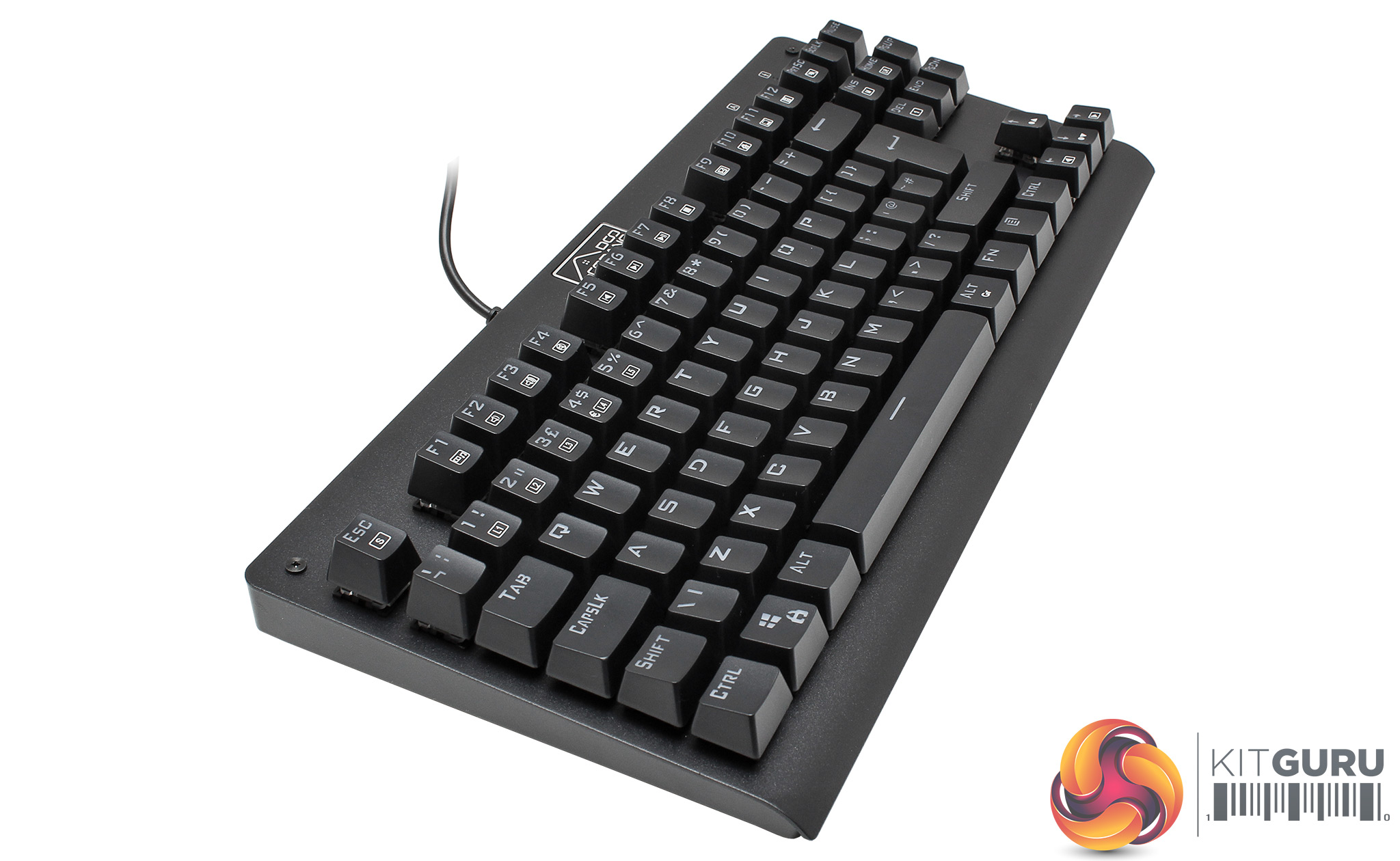
The overall construction of the GooBang Doo is strong, if unremarkable.
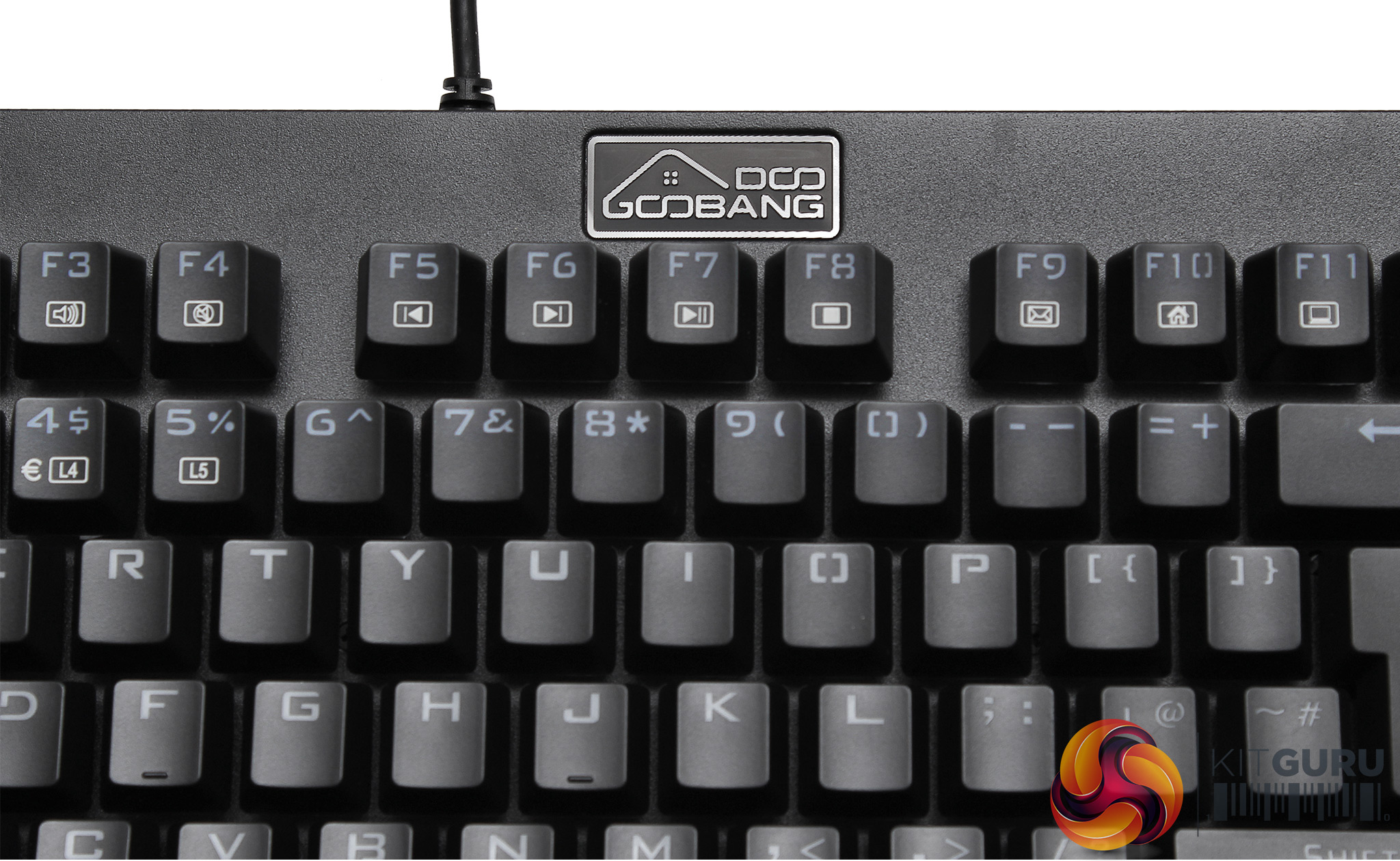
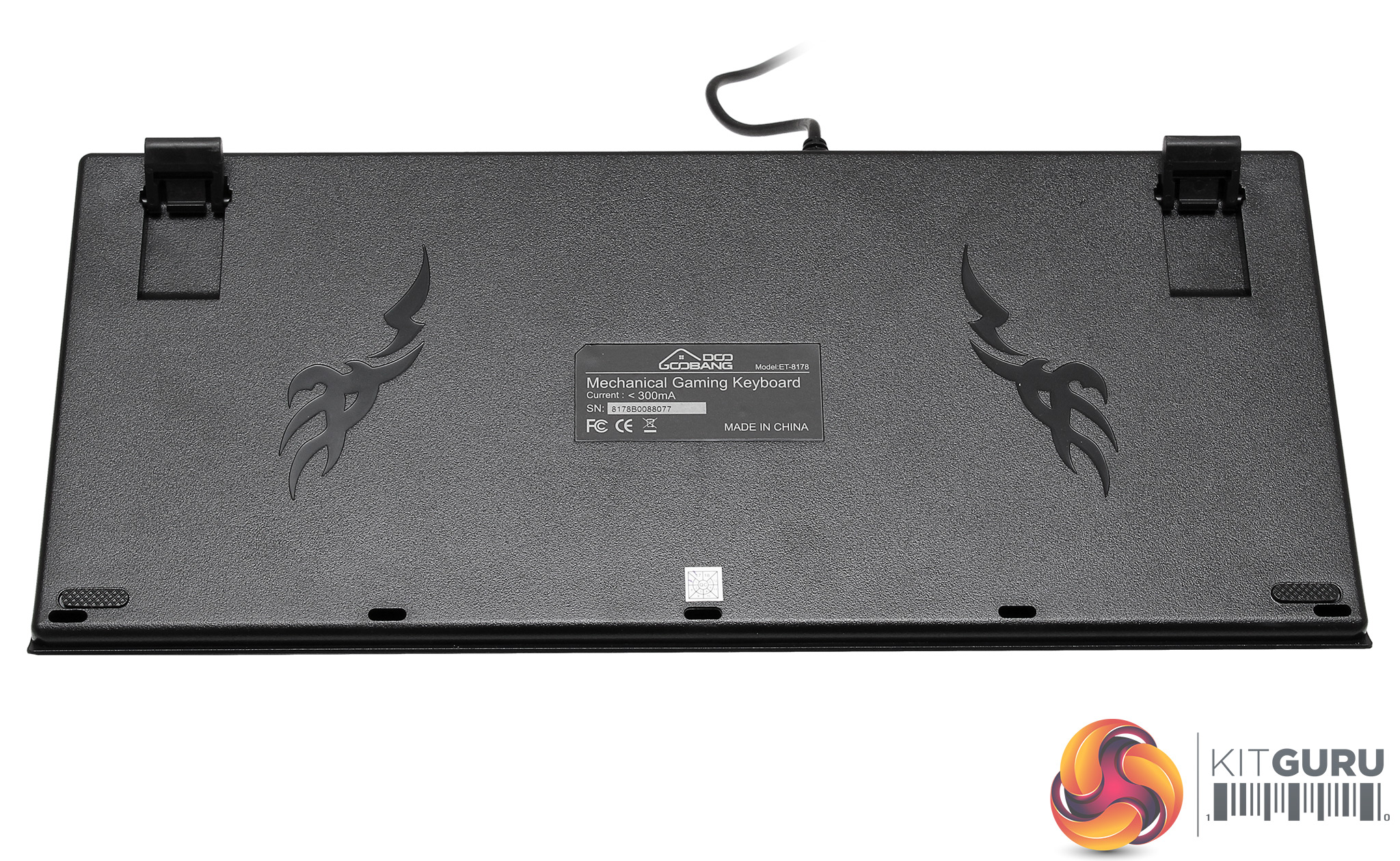
The entire board is finished with a matt black paint job. The reverse is also black, with some ‘gamer graphics' either side of the manufacturer label. The this keyboard stands are a little fiddly to open – but non-LAN gamers will probably only open/close these once.
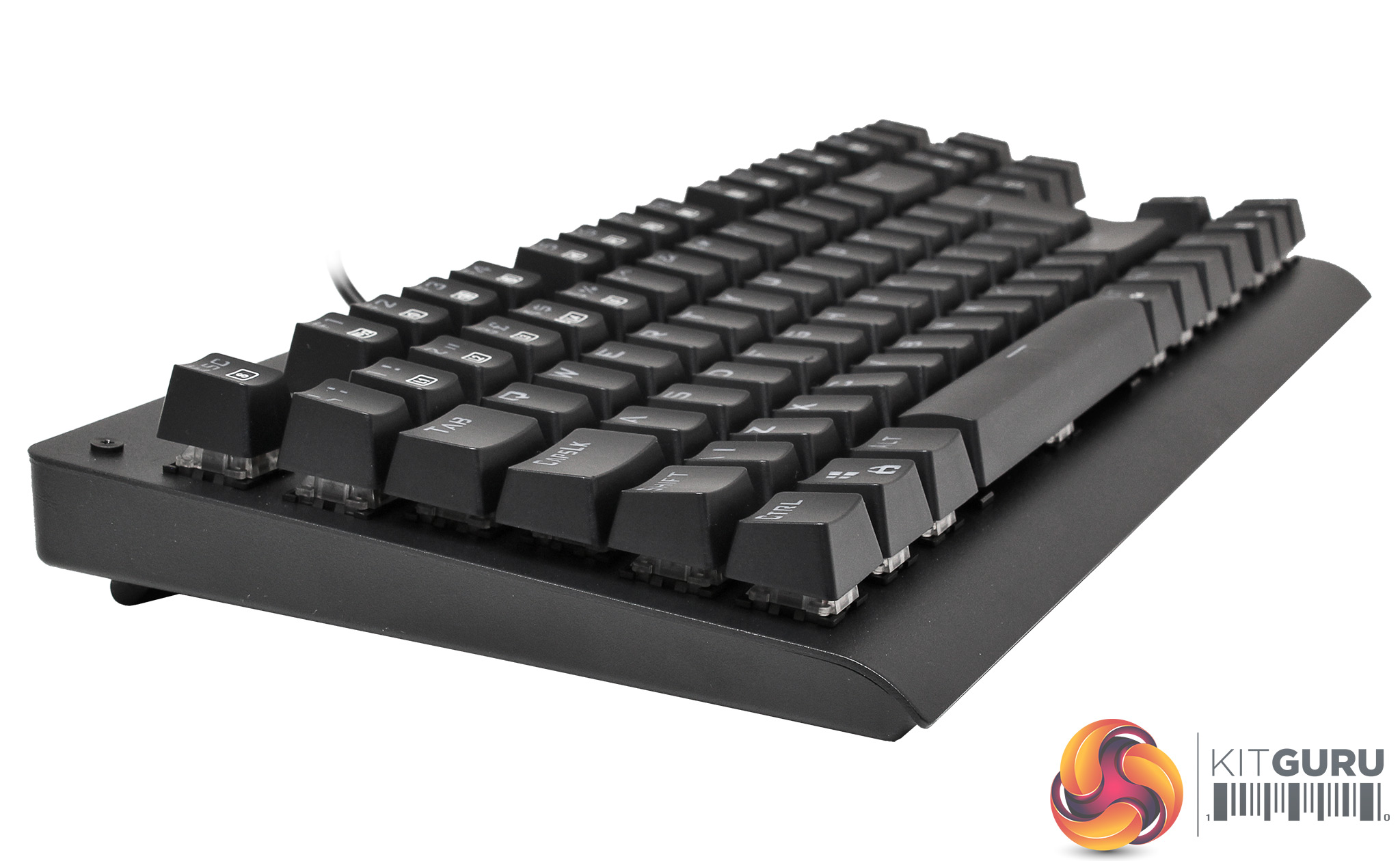
The keys are slightly concave and the rows are also arced ergonomically. Keys pop off easily to reveal the blue switches. This process is made easy with the supplied tool, so cleaning will be hassle-free.
We asked GooBang HQ about the 5 spare switches and were told that these are always the most common fail-point on keyboards, so they supplied extras in order to extend the product's life and make sure customers stay happy. Which was nice.
The cable that comes already fitted into the ET-8178 is black and smooth with a standard USB connector.
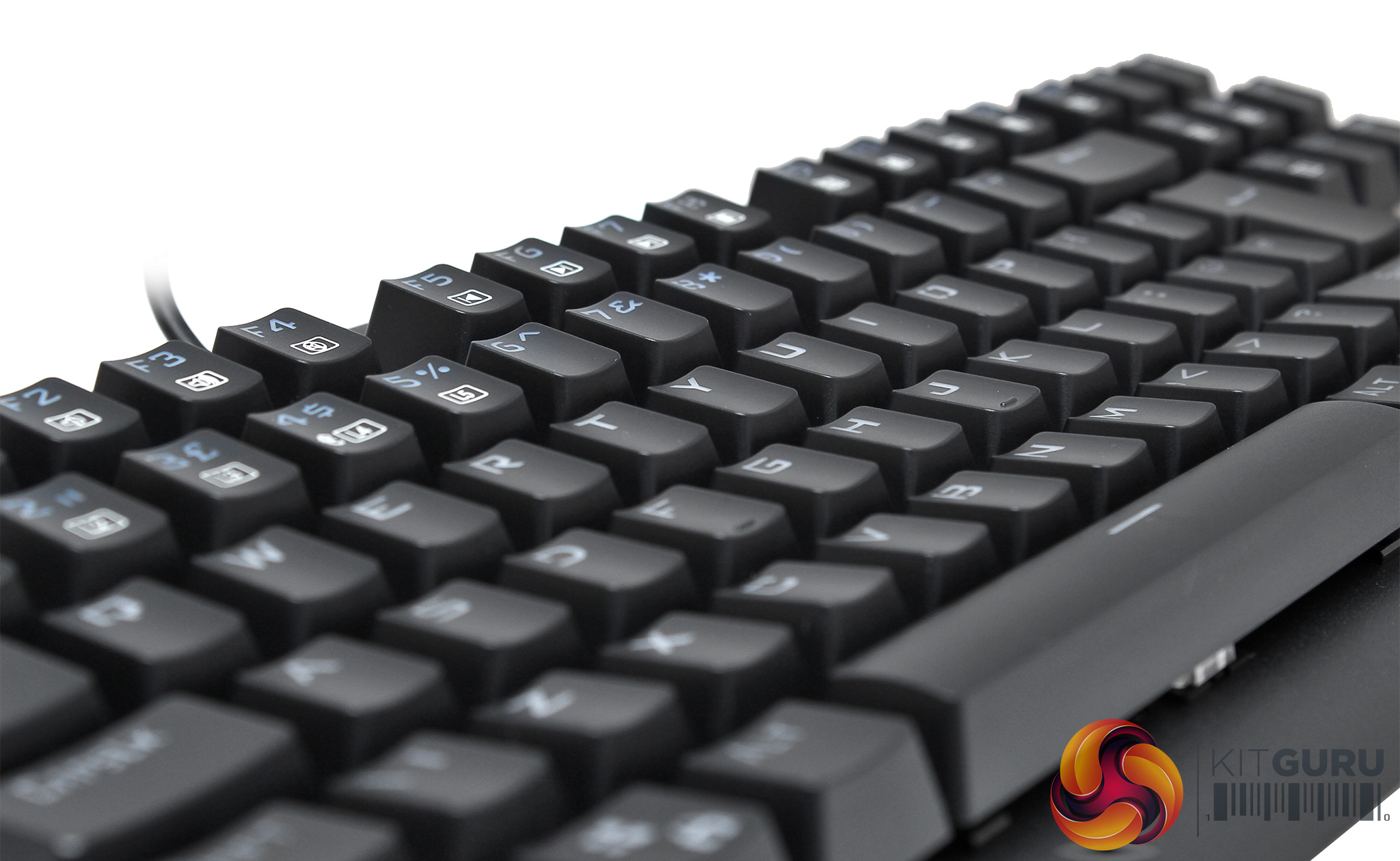
There are certain lighting set-ups available and these can be accessed using specific key-combinations, as per the tiny instruction sheet.
Over the Christmas period, we swapped the old Tt eSports Poseidon Z for the GooBang Doo and began gaming, writing and surfing to see what this newcomer adds (if anything) to a very crowded gaming peripheral market.
Normally, at this point, we would normally introduce software and set up screens, but the GooBang Doo has none.
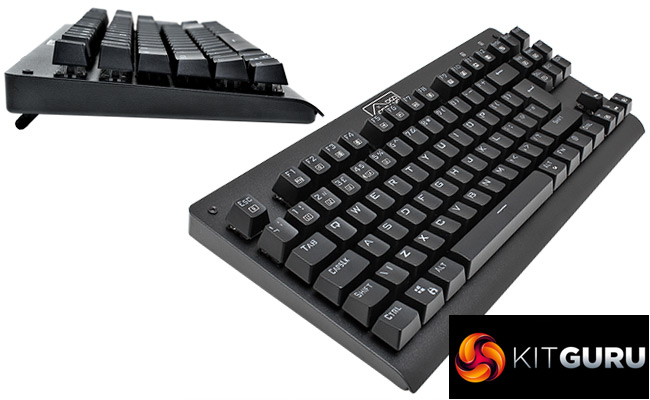
This is an average-size TKL keyboard. It’s just the chunky mechanical keys that add bulk to the overall appearance. Being TenKeyLess it is horizontally compact. As a gamer, any space I save on my physical desktop is a bonus.
Gaming
We found the GooBang Doo a really good keyboard to game on. The blue switches are very responsive and felt just like the Cherry MX switches we're used to. It can handle simultaneous key expressions without fail, so your interactions are likely to stay clean/articulate – even in the heat of battle.
The tactile feedback of a key depression gives you the positive reinforcement you need when gaming, but a good audio ‘click' can also saves time/reduce errors during gameplay – particularly in first person shooters. If anything, we found the Outemu sound slightly crisper/more precise than the Cherry blue audio profile. A quick bit of research online showed that we're not alone in that conclusion. Sure, the overall lifespan of Cherry keys could well be better than cheaper rival options, but during our testing we found the Outemu to be a very capable alternative.
If you're a softcore/casual gamer who's looking to game more, then affordable mechanical keyboards could be the way to go. While the idea of a ‘hair trigger' might scare beginners, those who game more frequently are looking for near-instant response. In a tense boss-battle it may be just the thing you need to keep you alive – securing your team's victory.
We'd like to think that blue switches will also give you an advantage over a well-matched opponent using a membrane keyboard in a 1-on-1 battle – but you would need to try this for yourself to see if mechanical suits your style.

I will say this, in order for me to even consider buying a keyboard, I would need macro keys, the amount of ease it brings to gameplay is invaluable if you need to quickly carry out a short series of movements/weapon switching.
Spacing between the keys is good and with my WASD hand I can hit all the way up to ESC on the far corner, most games I play utilize constantly using ctrl and shift which are easily accessible, for that I am glad.
General Usage
Typing overall was pleasant and accurate. The Outemu blue switches work well, but for those of you who normally type on a membrane keyboard, you'll need to get used to the noise.
Getting used to the layout and pressure requirements took about an hour. The biggest challenge was the narrow distance between the keys – but this could be an advantage for younger gamers or for those with smaller hands. I suffer from hereditary FrankFurterFingeritus, so there was a learning curve, but not too steep.
The function keys double up as media control keys, which can be useful for films/music etc. It's cool to have these shortcuts available, but I prefer to control audio with a physical dial etc attached to the speakers.
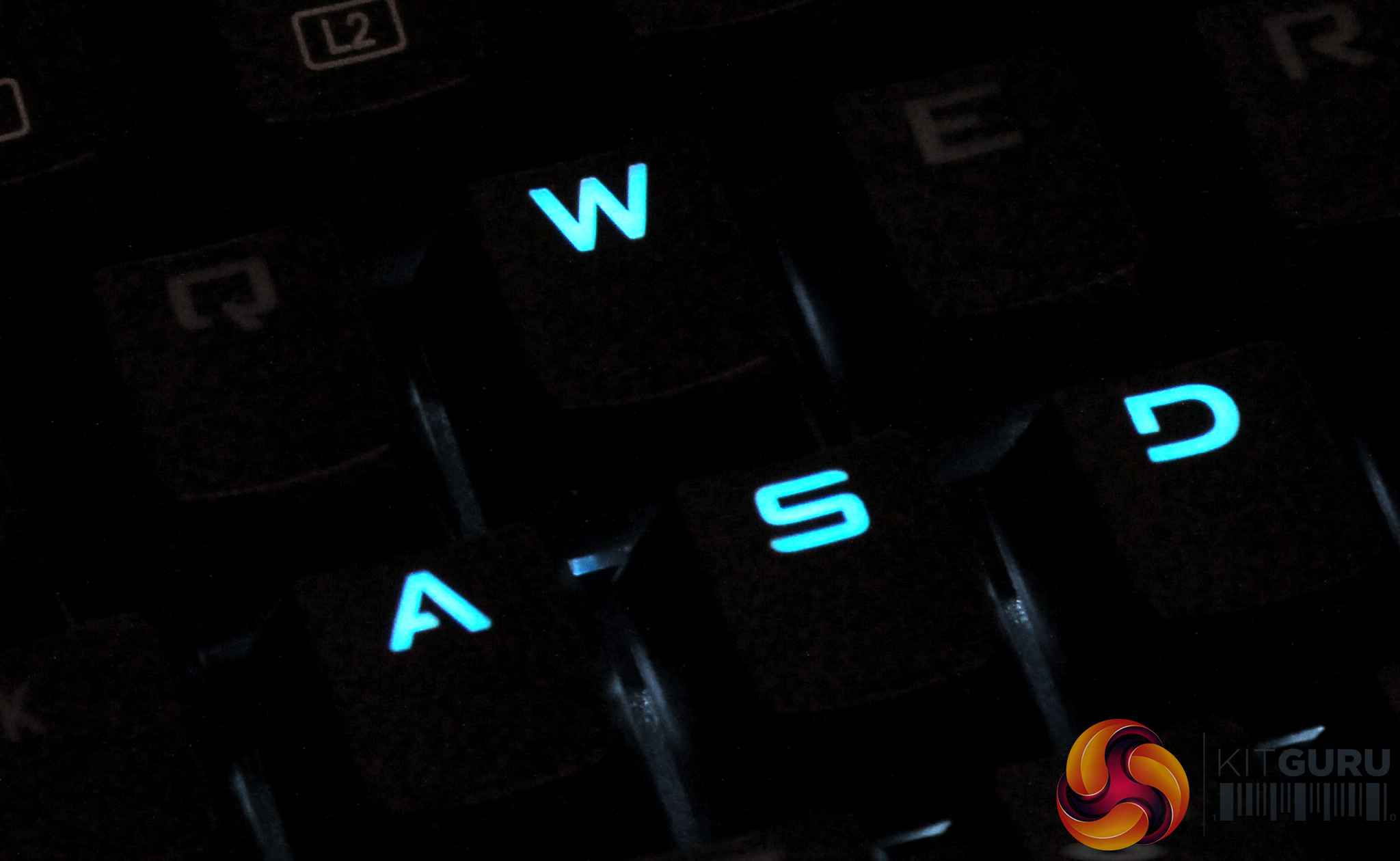
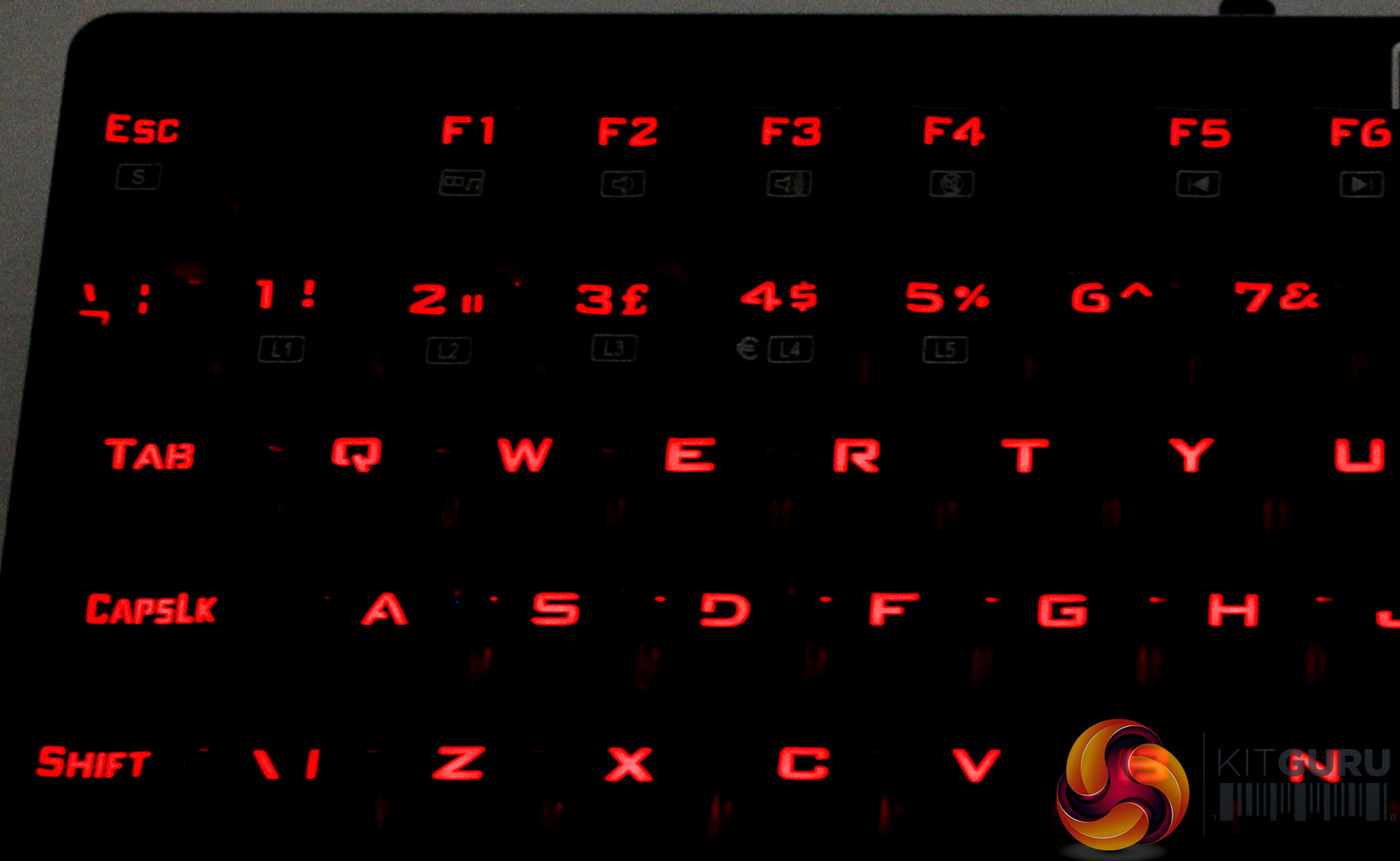
The lighting was cool, if basic. The LEDs, overall, didn't give that much light. For the brilliant colours like blue, this was no problem – but the red end of the spectrum was distinctly dull. Anyone who's used the Tt eSports Poseidon Z will know that its blue lighting is positively piercing.
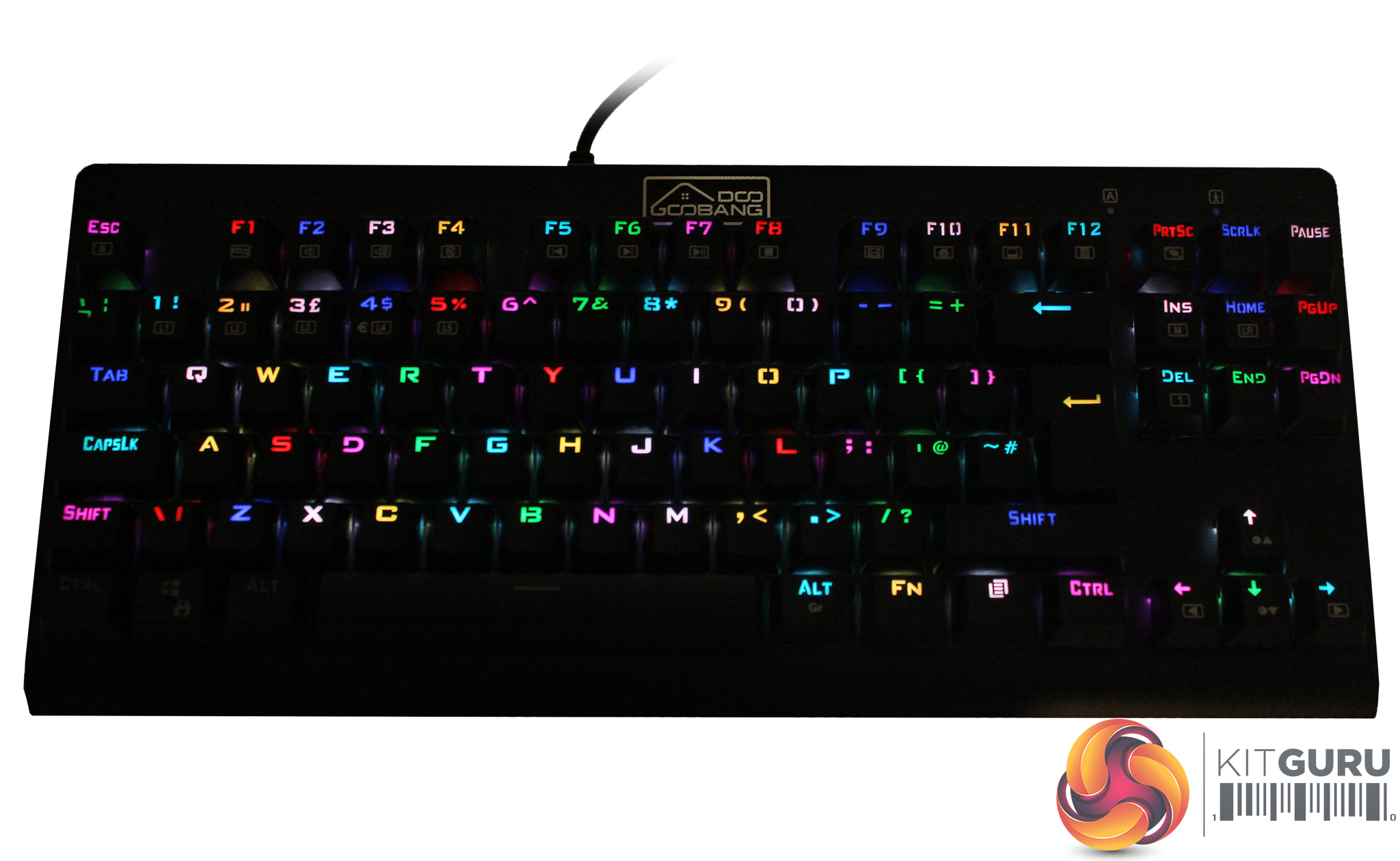
The GooBang Doo is much more muted. Choosing a keyboard based on lighting levels is unlikely to be the prime criteria for most people, but – in case it's important for you – we're letting you know that it's not super bright. One of the options you can access with function keys, let's the keyboard display a rainbow effect – so you can see that it is, indeed, RGB.
All through this review, we've been tempted to call it the Scooby Dooby Doo. While GooBang Doo is a bizarre name, it definitely stands out. In the highly competitive world of gaming peripherals, that's not such a bad thing – and companies like Ducky have proven that strange names with old fashioned web sites can be a strength when it comes to brand reinforcement. In terms of its actual manufacturing partner, it's likely that GooBang is working with Shenzhen Chuangquan Electronics to customise an OEM design, which is fine. The fact that it's available through a major online retailer means that you're consumer rights will be protected in any event.
The GooBang Doo ET-8178 is a quality gaming keyboard that gives us a bright, minimalist option at the affordable end of the market. It's a fraction of the price of the Logitech G410 and close to 30% less than the Corsair K63, HyperX Alloy Elite or Tt eSports Poseidon Z. That means if your budget for a mechanical keyboard is around £40, then there is almost no opposition.
But then you need to add in brand reputation. The ‘trust' element that comes from feeling familiar with a manufacturer. After all, we've not put the GooBang Doo through an extended stress test. Our positive experience was based on a week's testing.
To really succeed, Goobang Doo will need to be much more active in the market. Brands like Roccat are relatively new, but have picked up huge/positive reputations in the gaming peripherals sector through strong/consistent marketing. While the GooBang Doo product is a fine advertisement for the company, the web site is almost non-existent.
The Outemu switches were pretty awesome and certainly seem to offer a cost-effective alternative to Cherry. The multimedia shortcuts are a useful addition but a lot of gamers will avoid products without specific macro keys.
Also, the overall lack of a software interface for an RGB product seems disappointing. While many of us will pick a profile and leave it alone, there are others who would want a fully programmable interface. Similarly, a wrist rest would be nice, but with a street price of around 40 quid it's easy to see why you don't get one. There are presets for FPS, CF, COD, RTS, LOL and NBA.
If we want to be really picky, we could say that there was a 0.1mm level difference between the keyboard's resting points, which gave it a slightly weak sitting position on a hard table, but when we used our full-width-table-top-mouse-mat, that ‘issue' disappeared.
The overall design is compact, the build quality seems solid and the price is low. What more could you want?
Pros
- Outemu blue switches were a very pleasant surprise.
- Compact design saves space and is visually appealing.
- RGB lighting offers optimal gameplay in dark man caves.
- Impressive price point.
Cons
- No wrist rest.
- No Macro keys.
- No RGB control app.
.
KitGuru says: You'd struggle to find a better RGB mechanical keyboard for £40 or less. As a budget gamer's keyboard, based on our experience, it's certainly worth buying. We really hope that GooBang sorts its web site and considers software/app controls for the RGB. Remember to check the box for a UK layout keyboard if you decide to buy it.

“Founded by “Mark” from Princeton.”
After weeks of grueling brainstorming for the product name, “Mark” from Princeton said yes, this is it, the glorius GooBang.
Good write up Lucas, was an entertaining article. Thank you.